TL;DR
Baidu’s open-source Unlimited-OCR achieves what traditional OCR tools cannot: reading an entire 100-page PDF in one pass, without memory explosion or speed degradation, using just 3 billion parameters. The secret is R-SWA (Reference Sliding Window Attention) — making the model work like a human copying text, looking only at the source and the last few characters written, instead of re-reading everything.
Why Traditional OCR Struggles with Long Documents
If you’ve ever used Tesseract or Adobe Acrobat on a scanned PDF with more than 10 pages, you’ve experienced:
- Page-by-page processing: OCR engines process each page independently, resetting state between pages. Cross-page tables get split.
- Memory explosion: End-to-end OCR models (like DeepSeek-OCR) have KV Cache that grows linearly with text length. A 40-page document can consume 24GB of VRAM.
- Format loss: Multi-column layouts, cross-page tables, headers and footers get scrambled in page-by-page processing.
This isn’t about tools being bad — it’s an architectural ceiling. Traditional OCR treats each page as an independent task, lacking a “whole book” perspective.
Unlimited-OCR’s Core Innovation: R-SWA Attention
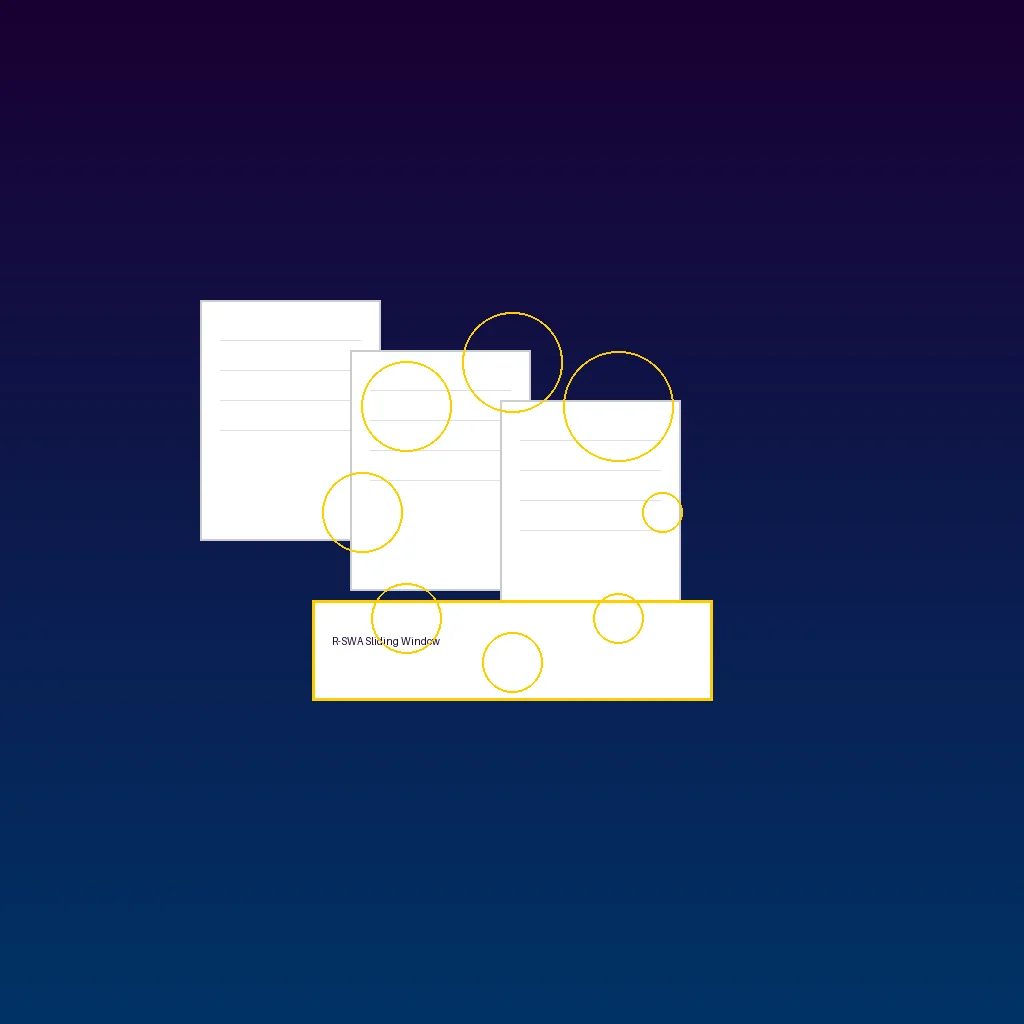
Working Like a Human Copying Text
Baidu’s research team drew inspiration from how humans copy books. Imagine you’re copying a book:
- Your eyes look at the source text (visual tokens)
- The last few characters you wrote are still in view (tokens within the sliding window)
- Earlier content no longer needs re-reading (tokens pushed out of the window)
This is the core idea behind Reference Sliding Window Attention (R-SWA).
Technical Details
In standard multi-head attention (MHA), each new token adds a record to the KV Cache, with memory growing linearly with output length. R-SWA does two things:
- Visual tokens are frozen: Image encoding happens once and stays unchanged, avoiding the gradual blurring of image features that standard sliding window attention causes.
- Output tokens use a sliding window: Each new token only attends to the last 128 generated tokens. Older tokens are pushed out. The KV Cache becomes a fixed-length queue — new tokens enter, oldest tokens exit.
Result: Whether the document is 5 pages or 100 pages, the KV Cache during decoding stays constant.
Relationship to DeepSeek-OCR
Unlimited-OCR builds on the open-source DeepSeek-OCR:
- Retains the DeepEncoder visual encoder (compresses 1024×1024 PDF pages to 256 tokens)
- Replaces the decoder with a MoE (Mixture of Experts) architecture — 3 billion total parameters, only ~500 million active during inference
- All standard attention layers replaced with R-SWA
Performance: 93% Accuracy, 32K Context Window
Benchmark Results
On OmniDocBench v1.5/v1.6 standard OCR benchmarks:
| Model | Score | Notes |
|---|---|---|
| Unlimited-OCR | 93.92% | OmniDocBench v1.6 SOTA |
| DeepSeek-OCR | 87.70% | Baseline model |
| GPT-4o | ~88% | Closed-source reference |
| Tesseract 5 | ~72% | Traditional OCR reference |
A 6.22 percentage point improvement over DeepSeek-OCR, with particularly stable performance on 40+ page documents.
Real-World Use Cases
- Single images: “Gundam” mode (dynamic resolution) for high-precision single-page recognition
- Multi-page documents/PDFs: “Base” mode — input the entire document at once, no page splitting needed
- 32K context window: Theoretically handles ~100 standard PDF pages (~300 tokens per page)
Two Ways to Use: Online Demo vs Local Deployment
Option 1: Hugging Face Space (Zero Config)
The quickest way to try it:
- Visit akhaliq/Unlimited-OCR
- Upload an image or PDF
- Choose fast crop mode or full parsing mode
- Wait for processing, get Markdown output
Great for quick validation, but limited by shared GPU resources — long documents may require queuing.
Option 2: Local Deployment (Full Control)
Hardware requirements:
- GPU: NVIDIA GPU with at least 8GB VRAM (RTX 3090/4090 recommended)
- RAM: 16GB+
- Disk: ~6GB for model
Installation:
# 1. Clone the repository
git clone https://github.com/baidu/Unlimited-OCR.git
cd Unlimited-OCR

# 2. Create virtual environment
conda create -n unlimited-ocr python=3.10
conda activate unlimited-ocr

# 3. Install dependencies
pip install -r requirements.txt

# 4. Download model (from Baidu Cloud or Hugging Face)
# Hugging Face: auto-download

# 5. Run inference
python inference.py \
  --input your_document.pdf \
  --mode base \
  --output result.md
vLLM Accelerated Inference (recommended for production):
# Install vLLM
pip install vllm

# Start server
python -m vllm.entrypoints.openai.api_server \
  --model baidu/Unlimited-OCR \
  --max-model-len 32768
Apple Silicon Users: MLX Version
The community has ported Unlimited-OCR to Apple MLX (LoJexLLM/Unlimited-OCR-MLX), enabling native execution on M1/M2/M3 Macs.
Comparison: Unlimited-OCR vs Traditional OCR
| Dimension | Unlimited-OCR | Tesseract 5 | Adobe Acrobat OCR | PaddleOCR |
|---|---|---|---|---|
| Long documents | ✅ 100 pages at once | ❌ Page by page | ❌ Page by page | ❌ Page by page |
| KV Cache | Constant (R-SWA) | N/A | N/A | N/A |
| Table recognition | ✅ Cross-page tables intact | ⚠️ Simple tables | ✅ Good | ⚠️ Average |
| Formula recognition | ✅ LaTeX output | ❌ Not supported | ⚠️ Limited | ⚠️ Limited |
| Model size | ~6GB | ~30MB | Cloud | ~100MB |
| Open source | ✅ MIT | ✅ Apache 2.0 | ❌ Commercial | ✅ Apache 2.0 |
| Offline | ✅ | ✅ | ❌ | ✅ |
| GPU required | 8GB+ VRAM | CPU only | Cloud | Optional |
Verdict: Unlimited-OCR isn’t replacing lightweight tools like Tesseract — it solves the specific pain point of end-to-end long document OCR. For scanned PDF digitization, contract/financial report extraction, and academic paper parsing, it’s the best open-source option available.
Community & Latest Developments
- Hugging Face Space: akhaliq/Unlimited-OCR for online demos
- Apple MLX port: LoJexLLM/Unlimited-OCR-MLX for native Mac support
- vLLM integration: Community inference scripts at uv-scripts/ocr
- GitHub: baidu/Unlimited-OCR, MIT license, active community
FAQ
Q1: How much VRAM does Unlimited-OCR need?
About 8GB VRAM for inference. Despite 3 billion total parameters, the MoE architecture only activates ~500 million during inference. Combined with R-SWA’s constant KV Cache, actual memory usage is far below dense models of the same size.
Q2: What languages does it support?
Primarily trained on Chinese and English documents, with best accuracy for these two languages. Other languages (Japanese, Korean, etc.) can be recognized but with potentially lower accuracy.
Q3: How does it compare to PaddleOCR?
PaddleOCR is a traditional pipeline (detection + recognition) — lightweight, fast, suited for single pages. Unlimited-OCR is end-to-end, excelling at long document processing and complex layout understanding. For single invoices or business cards, use PaddleOCR; for entire scanned books or long contracts, choose Unlimited-OCR.
Q4: Can I use it commercially?
Yes. Unlimited-OCR uses the MIT license, allowing commercial use, modification, and distribution without additional authorization.
Q5: How long does it take to process 100 pages?
Depends on GPU. On an RTX 4090, a 100-page standard PDF (~300 tokens output per page) takes about 3-5 minutes. The bottleneck is visual encoding; the decoding stage stays at constant speed thanks to R-SWA.
Q6: Can I use it without a GPU?
Theoretically yes, but extremely slow. Running a 3 billion parameter model on CPU isn’t practical. Users without GPUs should use the Hugging Face Space demo or the Apple MLX version on M-series Macs.
Hope this article was helpful! Looking for more AI tools? Check out our 2026 AI Tools Ultimate Guide with 50+ in-depth reviews.





