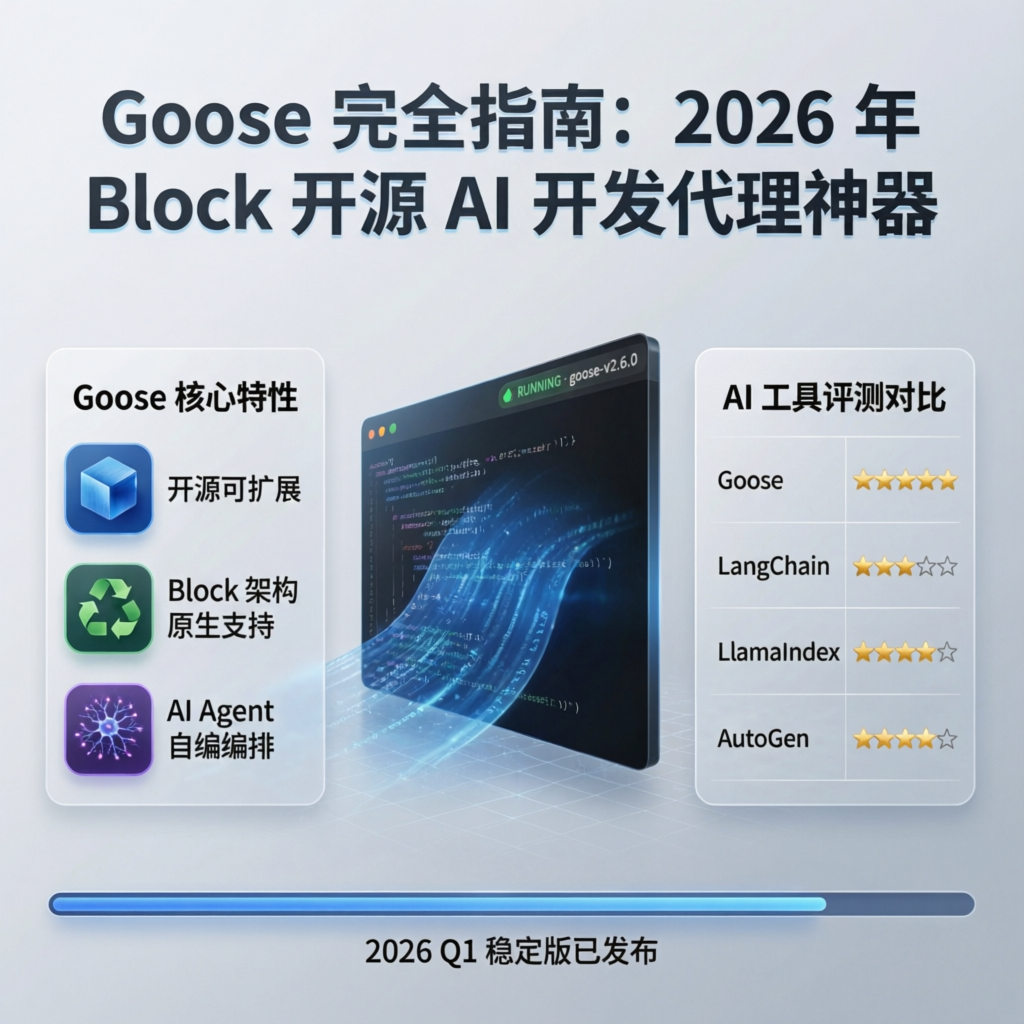
Release Date: March 2026 · Version: v1.0+ · License: Apache 2.0 · Execution Mode: Local
In early 2026, Block (formerly Square) officially open-sourced Goose-an AI agent capable of autonomously executing complex software development tasks. Unlike traditional code-completion tools, Goose does more than generate code: it independently runs commands, debugs errors, orchestrates multi-step workflows, and can even build complete projects from scratch.
Goose’s core philosophy is the “on-machine AI agent”: all operations execute locally, ensuring code privacy and security. It supports any LLM provider, enables configurable multi-model strategies to optimize performance and cost, and seamlessly integrates external tools and services via the MCP (Model Context Protocol).
Why Choose Goose?
Core Feature Comparison
| Feature | Goose | GitHub Copilot | Cursor | Devin |
|---|---|---|---|---|
| Open-source License | ✅ Apache 2.0 | ❌ Proprietary | ❌ Proprietary | ❌ Proprietary |
| Local Execution | ✅ Fully local | ❌ Cloud-only | ⚠️ Hybrid | ❌ Cloud-only |
| Autonomous Execution | ✅ Can run commands | ❌ Suggestions only | ⚠️ Limited | ✅ |
| Multi-Model Support | ✅ Any LLM | ❌ Fixed model | ⚠️ Limited | ❌ Fixed model |
| MCP Integration | ✅ Native support | ❌ | ❌ | ❌ |
| Workflow Orchestration | ✅ User-defined orchestration | ❌ | ⚠️ | ✅ |
| Pricing | ✅ Free | $10-$19/month | $20/month | $500/month |
Use Cases
✅ Recommended for:
- Automating repetitive development tasks
- Protecting code privacy with local execution requirements
- Needing flexibility to choose among various LLM providers
- Building complex, multi-step workflows
- Budget-constrained individual developers or teams
❌ Less suitable for:
- Simple code completion only
- Users unfamiliar with command-line operations
- Requirements for enterprise-grade SLA support
Quick Start
System Requirements
- Operating System: macOS 12+ / Windows 10+ / Linux (Ubuntu 20.04+)
- Memory: Minimum 8 GB; recommended 16 GB or more
- Storage: At least 2 GB of available space
- Python: Version 3.10 or higher
- Node.js: Version 18+ (optional, required for certain extensions)
Installation Methods
Method 1: Using pip (Recommended)
# Install Goose
pip install goose-ai

# Verify installation
goose --version
Method 2: Installing from Source
# Clone the repository
git clone https://github.com/block/goose.git
cd goose

# Install dependencies
pip install -e .

# Build the desktop application (optional)
npm install && npm run build
Method 3: Using Homebrew (macOS only)
brew install goose-aiInitial Configuration
The first time you run Goose, you must configure an LLM provider:
# Launch the configuration wizard
goose configure

# Or manually edit the configuration file at ~/.config/goose/config.yaml
Example configuration file:
providers:
  - name: openai
    api_key: ${OPENAI_API_KEY}
    models:
      - gpt-4o
      - gpt-4-turbo

  - name: anthropic
    api_key: ${ANTHROPIC_API_KEY}
    models:
      - claude-3-5-sonnet
      - claude-3-opus

  - name: ollama
    base_url: http://localhost:11434
    models:
      - qwen3-coder:32b
      - llama3:70b

default_model: claude-3-5-sonnet
workspace: ~/projects
Core Feature Details
1. Autonomous Task Execution
Goose’s most powerful capability is autonomously completing multi-step tasks. For example, creating a complete API service:
# Tell Goose your requirements
goose run "Create a FastAPI project with user registration, login, and JWT authentication"
Goose will automatically:
- Create the project structure and necessary files
- Implement routes, data models, and authentication logic
- Install required dependencies
- Run tests to verify functionality
- Generate API documentation
2. MCP Server Integration
Goose natively supports MCP (Model Context Protocol) and can connect to various external tools:
# Add MCP servers in the configuration file
mcp_servers:
  - name: filesystem
    command: npx
    args: ["-y", "@modelcontextprotocol/server-filesystem", "~/projects"]

  - name: github
    command: npx
    args: ["-y", "@modelcontextprotocol/server-github"]
    env:
      GITHUB_TOKEN: ${GITHUB_TOKEN}

  - name: postgres
    command: npx
    args: ["-y", "@modelcontextprotocol/server-postgres"]
    env:
      DATABASE_URL: postgresql://localhost:5432/mydb
Commonly Used MCP Servers:
| Server | Functionality | Installation Command |
|---|---|---|
filesystem | File system operations | @modelcontextprotocol/server-filesystem |
github | GitHub API integration | @modelcontextprotocol/server-github |
postgres | PostgreSQL database access | @modelcontextprotocol/server-postgres |
slack | Slack messaging | @modelcontextprotocol/server-slack |
puppeteer | Browser automation | @modelcontextprotocol/server-puppeteer |
3. Multi-Model Strategy
Goose supports assigning different models to different task types-optimizing both cost and performance:
routing:
  # Use high-performance models for code generation
  code_generation:
    model: claude-3-5-sonnet
    max_tokens: 4096

  # Use local models for simple tasks
  simple_tasks:
    model: ollama/qwen3-coder:7b
    max_tokens: 2048

  # Use cost-efficient models for code review
  code_review:
    model: gpt-4o-mini
    max_tokens: 1024
4. Extension System
Goose supports custom extensions to add domain-specific capabilities:
# extensions/my_extension.py
from goose.extensions import Extension

class MyExtension(Extension):
    """Example of a custom extension"""

    def __init__(self):
        self.name = "my-extension"
        self.version = "1.0.0"

    async def deploy_to_server(self, project_path: str):
        """Custom deployment logic"""
        # Implement deployment logic here
        pass

    async def run_tests(self, project_path: str):
        """Custom test execution logic"""
        # Implement test logic here
        pass
Real-World Use Cases
Case 1: Automated Data Migration
# Create a migration task
goose run "
  Migrate user data from a MySQL database to PostgreSQL:
  1. Read the `users` table from MySQL
  2. Transform the data structure to conform to PostgreSQL schema requirements
  3. Write the transformed data into the PostgreSQL database
  4. Verify data integrity
  5. Generate a migration report
"
Case 2: Batch Code Refactoring
# Refactor error handling across the entire project
goose run "
  Refactor error handling in all Python files within the project:
  - Standardize `try-except` blocks to use custom exception classes
  - Add appropriate logging statements
  - Introduce retry logic for all API calls
  - Update test cases to cover the new exceptions
"
Case 3: API Documentation Generation
# Generate comprehensive API documentation from source code
goose run "
  Analyze the project's API routes and generate:
  1. An OpenAPI 3.0 specification file
  2. Usage documentation in Markdown format
  3. A Postman collection file
  4. An interactive API testing page
"
Best Practices
1. Security Configuration
# Restrict Goose's permission scope
security:
  # Whitelist of allowed commands
  allowed_commands:
    - git
    - npm
    - pip
    - python
    - docker

  # Directories prohibited from access
  blocked_paths:
    - ~/.ssh
    - /etc/passwd
    - /etc/shadow

  # Dangerous operations requiring confirmation
  require_confirmation:
    - rm -rf
    - DROP TABLE
    - DELETE FROM
2. Performance Optimization
# Optimization settings
performance:
  # Maximum number of concurrent tasks
  max_concurrent_tasks: 4

  # Timeout for individual tasks (in seconds)
  task_timeout: 300

  # Enable caching
  cache:
    enabled: true
    ttl_hours: 24

  # Enable streaming output (to reduce memory usage)
  streaming: true
3. Logging and Debugging
# Enable verbose logging
goose run "Task description" --verbose

# View execution history
goose history --limit 10

# Export session report
goose report --format markdown --output session-report.md
Frequently Asked Questions (FAQ)
Q1: What is the difference between Goose and Cursor?
A: Cursor is an IDE plugin that primarily provides code completion and chat capabilities; Goose is a standalone AI agent capable of autonomously executing commands and orchestrating workflows. The two tools can be used together: use Goose to handle automated tasks, and Cursor for interactive development.
Q2: Can I use local models?
A: Yes! Goose supports local inference backends such as Ollama and LM Studio. Example configuration:
providers:
  - name: ollama
    base_url: http://localhost:11434
    models:
      - qwen3-coder:32b
Q3: How are sensitive data protected?
A: Goose supports environment variables and encrypted configuration files:
# Using environment variables
export OPENAI_API_KEY="sk-..."
goose run "task"

# Or using an encrypted configuration file
goose config encrypt
Q4: Is Chinese supported?
A: Fully supported! For optimal results, use Chinese-optimized models such as Qwen3 Coder or DeepSeek Coder.
Community and Resources
- GitHub: https://github.com/block/goose
- Official Documentation: https://block.github.io/goose/
- Discord Community: https://discord.gg/goose-oss
- MCP Server List: https://github.com/modelcontextprotocol/servers
Summary
Goose represents a new direction for AI development tools in 2026: evolving from “assisted coding” to “autonomous development.” By enabling local execution, supporting multiple models, and integrating with the MCP ecosystem, Goose delivers a powerful, flexible, and privacy-preserving AI agent platform for developers.
For teams seeking to automate complex development tasks, safeguard code privacy, or build custom AI workflows, Goose is a tool well worth investing in. As the MCP ecosystem matures and the community expands, Goose’s capabilities will continue to grow.
Related Resources:
- OpenClaw Skills Handbook: 17 Must-Have Skills to Make Your AI Assistant Truly Productive
- Top 10 Open-Source MCP Servers of 2026: Empowering AI Agents to Get Real Work Done
- Comparing Leading AI Agent Frameworks in 2026: LangGraph vs. CrewAI vs. AutoGen