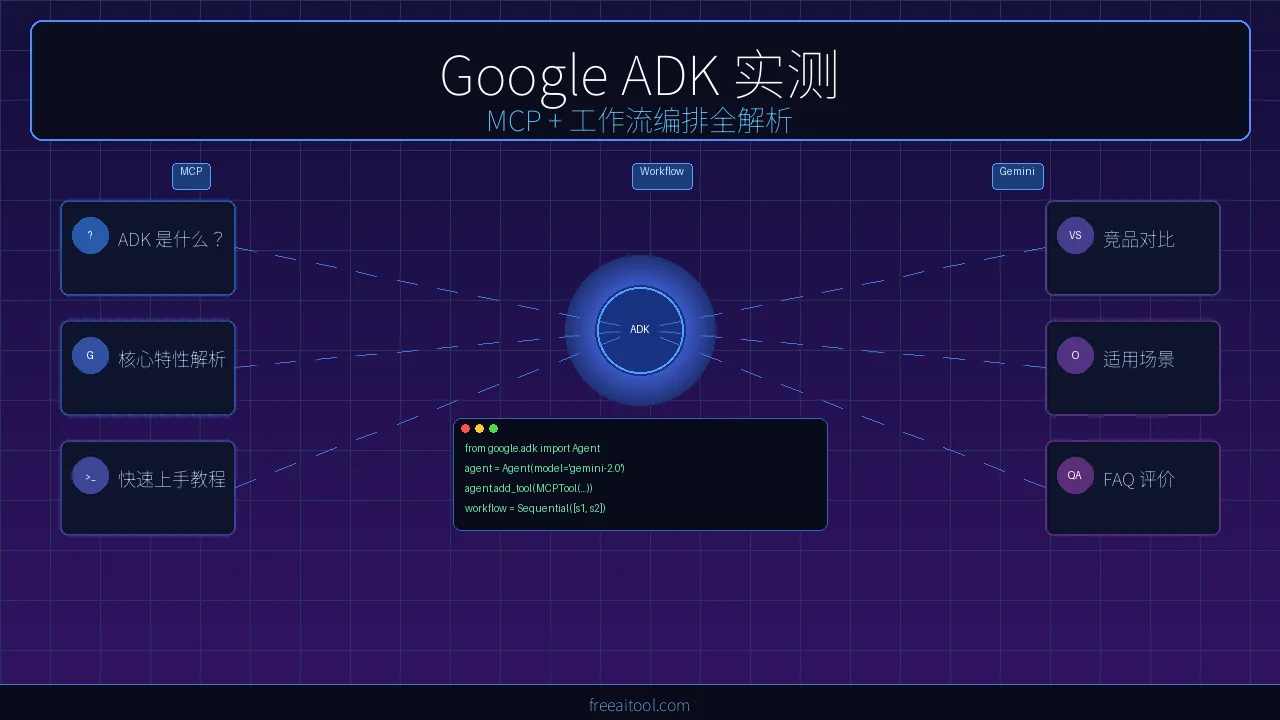
If you follow AI Agent development, you’ve certainly heard of LangChain, CrewAI, and AutoGen. But Google’s ADK (Agent Development Kit), open-sourced in 2025, is changing the game — it’s the first framework that combines native MCP protocol support, a graph execution engine, and deep Gemini integration in one package.
This isn’t a surface-level feature overview. It’s a hands-on deep dive. We’ll examine three core capabilities — MCP tool integration, workflow orchestration, and dynamic routing — with real code to verify whether Google ADK can truly replace your current Agent framework.
1. What Is Google ADK and Why Should You Care?
Google ADK 2.0 is Google’s open-source, code-first AI agent development framework. You define agent behavior, tool calls, and multi-agent orchestration logic in pure Python.
How It Differs from LangChain / CrewAI / AutoGen
| Dimension | Google ADK 2.0 | LangChain | CrewAI | AutoGen |
|---|---|---|---|---|
| Design Philosophy | Code-first + graph engine | Chain calls + YAML config | Role-playing + task delegation | Multi-agent conversation |
| MCP Support | ✅ Native built-in | ⚠️ Requires third-party plugin | ❌ None | ❌ None |
| Workflow Orchestration | ✅ Graph (sequential/parallel/loop/conditional) | ⚠️ Separate LangGraph package | ⚠️ Sequential mainly | ⚠️ Conversation-driven |
| Model Binding | Gemini-first, supports any model | Model-agnostic | Model-agnostic | Model-agnostic |
| Google Ecosystem | ✅ Vertex AI / Cloud Run / BigQuery native | ❌ | ❌ | ❌ |
| Type Safety | ✅ Full Python type hints | ⚠️ Partial | ⚠️ Weak | ⚠️ Weak |
| Learning Curve | Medium (requires understanding graph model) | Steep | Low | Medium |
Bottom line: If you’ve committed to Gemini as your primary model, or need MCP protocol for connecting external tools, Google ADK is the smoothest choice available. If you need model-agnostic flexibility, LangChain remains the more mature option.
2. Core Features Deep Dive
2.1 Native MCP Protocol Support — No More Glue Code
MCP (Model Context Protocol) is an open protocol by Anthropic that lets AI models call external tools and data sources in a standardized way. Google ADK is the first mainstream framework with a built-in MCP client.
Traditional approach (LangChain etc.) requires you to write your own MCP client, handle protocol handshakes, and manage serialization:
# ❌ Traditional: manual MCP integration (pseudo-code)
from mcp_client import MCPClient

client = MCPClient("http://localhost:3000")
tools = await client.list_tools()

# Manually wrap each MCP tool as a LangChain Tool
langchain_tools = []
for tool in tools:
    langchain_tools.append(
        StructuredTool.from_function(
            func=lambda **kwargs: client.call_tool(tool.name, kwargs),
            name=tool.name,
            description=tool.description,
        )
    )
Google ADK approach — one line to connect to any MCP server:
from google.adk.tools.mcp_tools import MCPToolset
from google.adk import Agent

# ✅ ADK: one line to connect an MCP server
mcp_tools = MCPToolset.from_url("http://localhost:3000")

agent = Agent(
    name="mcp_agent",
    model="gemini-2.5-flash",
    instruction="You are a helpful assistant with access to external tools.",
    tools=[mcp_tools],
)
This means you can directly tap into thousands of community MCP servers — file systems, databases, API gateways, browser automation — without writing any adapter code.
2.2 Workflow Orchestration — Graph Execution Engine
ADK 2.0’s most powerful feature is the Workflow class — a graph-based execution engine supporting four orchestration patterns:
Sequential Execution
from google.adk import Agent, Workflow

researcher = Agent(
    name="researcher",
    model="gemini-2.5-flash",
    instruction="Gather relevant information for the user's question. Return key facts.",
)
writer = Agent(
    name="writer",
    model="gemini-2.5-flash",
    instruction="Write a concise article based on the provided facts.",
)
reviewer = Agent(
    name="reviewer",
    model="gemini-2.5-flash",
    instruction="Review the article quality. Fix errors and improve expression.",
)

# Sequential pipeline: research → write → review
pipeline = Workflow(
    name="content_pipeline",
    edges=[("START", researcher, writer, reviewer)],
)
Parallel Execution (Fan-out / Fan-in)
sentiment_agent = Agent(name="sentiment", instruction="Analyze sentiment.")
topic_agent = Agent(name="topic", instruction="Extract core topics.")
entity_agent = Agent(name="entity", instruction="Identify key entities.")
summary_agent = Agent(name="summary", instruction="Summarize all analysis results.")

parallel_workflow = Workflow(
    name="parallel_analysis",
    edges=[
        ("START", sentiment_agent, topic_agent, entity_agent),  # fan-out
        (sentiment_agent, topic_agent, entity_agent, summary_agent),  # fan-in
    ],
)
Conditional Routing
def route_by_category(ctx):
    """Route to different agents based on classification"""
    category = ctx.state.get("category", "general")
    if category == "technical":
        return "tech_expert"
    elif category == "billing":
        return "billing_expert"
    return "general_expert"

tech = Agent(name="tech_expert", instruction="Handle technical issues.")
billing = Agent(name="billing_expert", instruction="Handle billing issues.")
general = Agent(name="general_expert", instruction="Handle general inquiries.")

routed_workflow = Workflow(
    name="smart_router",
    edges=[
        ("START", "classifier"),
        ("classifier", route_by_category, [tech, billing, general]),
    ],
)
Loop Execution
generator = Agent(name="generator", instruction="Generate an answer.")
evaluator = Agent(
    name="evaluator",
    instruction="Rate the answer 1-10. Below 7 means regenerate.",
)

loop_workflow = Workflow(
    name="iterative_refinement",
    edges=[
        ("START", generator, evaluator),
        (evaluator, "retry_check", [generator, "END"]),
    ],
    max_iterations=3,
)
2.3 LLM-Driven Dynamic Routing
Beyond hardcoded conditional routing, ADK supports letting the LLM decide which Agent to invoke next:
coordinator = Agent(
    name="coordinator",
    model="gemini-2.5-flash",
    instruction="""You are a task coordinator. Delegate tasks to the right expert:
    - Data analysis → data_analyst
    - Code questions → code_expert
    - Writing needs → writer
    Output the delegation target and reason.""",
    sub_agents=[data_analyst, code_expert, writer],
)
This hybrid model — deterministic workflows + LLM dynamic decisions — is ADK’s most distinctive design. You can use graph structures for predictability on critical paths, while letting the LLM make judgment calls where flexibility is needed.
3. Quick Start Tutorial
3.1 Installation
python3 -m venv adk-env && source adk-env/bin/activate
pip install "google-adk[cli]"
export GEMINI_API_KEY="your-key-here"
3.2 Your First MCP Agent
# my_agent/__init__.py
from google.adk import Agent
from google.adk.tools.mcp_tools import MCPToolset

fs_tools = MCPToolset.from_command(
    command=["npx", "-y", "@modelcontextprotocol/server-filesystem", "/tmp"]
)

root_agent = Agent(
    name="file_assistant",
    model="gemini-2.5-flash",
    instruction="Help users manage files. List, read, and create files.",
    tools=[fs_tools],
)
adk run my_agent # Interactive CLI
adk web my_agent # Web UI3.3 Hands-On: Multi-Step Workflow Agent
A complete “research report generation” workflow — from search to final report, fully automated:
from google.adk import Agent, Workflow
from google.adk.tools.mcp_tools import MCPToolset

search_tools = MCPToolset.from_url("http://localhost:3001")

collector = Agent(
    name="collector",
    model="gemini-2.5-flash",
    instruction="Search 3-5 key information points for the topic. Return as JSON list.",
    tools=[search_tools],
)
analyst = Agent(
    name="analyst",
    model="gemini-2.5-flash",
    instruction="Analyze collected information. Extract key insights and trends.",
)
writer = Agent(
    name="writer",
    model="gemini-2.5-flash",
    instruction="Organize analysis into a structured report with summary, body, and conclusion.",
)
reviewer = Agent(
    name="reviewer",
    model="gemini-2.5-flash",
    instruction="Review the report: check factual accuracy, logical coherence, language quality.",
)

root_agent = Workflow(
    name="research_pipeline",
    edges=[("START", collector, analyst, writer, reviewer)],
)
4. Detailed Competitor Comparison
vs LangChain + LangGraph
LangGraph is LangChain’s workflow solution, similar to ADK Workflow. Key difference: ADK is all-in-one (Agent + tools + workflow + MCP), while LangChain requires combining multiple packages with more complex configuration but a richer ecosystem.
vs CrewAI
CrewAI excels at “role-playing” multi-agent collaboration with fast onboarding. But it falls short when you need deterministic execution flows, MCP tool integration, or conditional branching and loops.
vs AutoGen
AutoGen’s core is multi-agent conversation, ideal for “discussion-based” decisions. ADK is better suited for “pipeline-style” task processing. Different philosophies, no absolute winner.
5. Use Cases and Limitations
Best For
- Google Cloud stack: Native integration with Vertex AI, Cloud Run, BigQuery
- MCP tool ecosystem: Connecting many external tools via standardized protocol
- Predictable workflows: Customer service pipelines, data processing, content generation
- Hybrid orchestration: Deterministic graph structures + flexible LLM routing
Current Limitations
- Gemini preference: Best experience requires Gemini API
- Growing ecosystem: Fewer third-party integrations than LangChain
- Documentation gaps: Some advanced features still being documented
- Language support: JS/TS version is early-stage
6. FAQ
Q1: Is Google ADK free?
A: The ADK framework is completely free and open-source (Apache 2.0). Using Gemini models requires Google AI API fees, but there’s a free tier. You can also connect other models to avoid costs.
Q2: Which LLM models does ADK support?
A: Natively optimized for Gemini 2.5 series (Flash/Pro). Via custom Model Providers, you can also integrate OpenAI GPT-4o, Anthropic Claude, local Ollama models, etc. But some advanced features work best with Gemini.
Q3: Where to find MCP tools?
A: The MCP protocol has thousands of community-contributed server implementations. Find them at MCP Servers GitHub — covering file systems, databases, browser automation, Slack, GitHub, and more.
Q4: How does ADK Workflow differ from LangGraph?
A: Functionally similar — both are graph execution engines. The difference: ADK is built-in (zero config), LangGraph requires separate installation. ADK’s API is simpler; LangGraph has more mature visual debugging tools.
Q5: What’s the recommended production deployment?
A: Simplest: Docker + Cloud Run. ADK provides Runner.serve() for HTTP serving, containerizable with a Dockerfile. For scale, Vertex AI Agent Engine handles auto-scaling and monitoring.
7. Final Verdict
Google ADK 2.0 has the best MCP protocol support of any Agent framework, period. Its workflow orchestration — sequential, parallel, loop, conditional routing — makes complex agent pipelines predictable and testable.
Rating: ⭐⭐⭐⭐ (4/5)
Deductions: Non-Gemini model support isn’t as smooth yet; community ecosystem still trails LangChain.
One-line recommendation: If you use Gemini + need MCP + need deterministic workflows, ADK is the current best option. Otherwise, LangChain remains the more universal choice.
Related Resources:
Further Reading:
- AI Agent Framework Comparison 2026
- MCP Tools Practice Guide
- Pydantic AI Framework Review
- Top 11 AI Agent Frameworks Ranking





