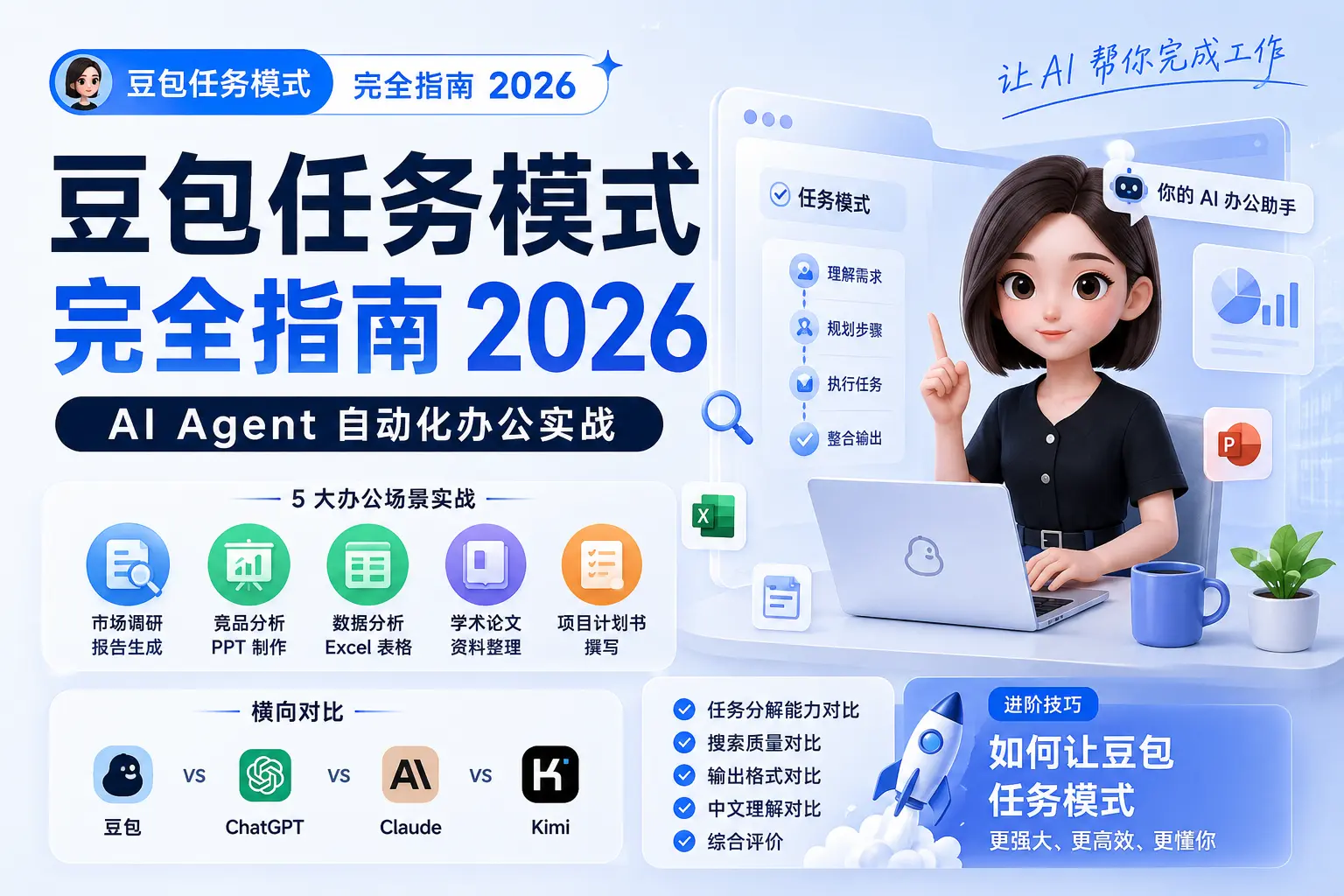
On June 15, 2026, ByteDance officially launched “Task Mode” for its AI assistant Doubao. This marks a new phase for Chinese AI assistants — moving from “general conversation” to “AI Agent office automation.”
Task Mode supports multi-round search, deep reasoning, browser automation, and multimodal generation (PPTs, Word docs, Excel sheets, web pages). It automatically breaks complex tasks into sub-tasks and executes them one by one. In practice, this means market research, competitive analysis, and data organization — work that used to take hours — can now be done with a single instruction, and Doubao delivers results within minutes.
This article walks you through 5 real office scenarios with step-by-step demos of Doubao Task Mode. We’ll also compare it head-to-head with ChatGPT, Claude, and Kimi, then share advanced tips to take you from “knowing how to use it” to “using it well.”
What Is Doubao Task Mode?
From Chat Assistant to AI Agent
Traditional AI chat assistants (including earlier versions of Doubao) follow a “one question, one answer” model. You ask, the AI responds, and the interaction ends. This works fine for simple queries, but when tasks require multiple steps, users have to manually break things down and guide the AI step by step. It’s slow and tedious.
Doubao Task Mode changes the game by introducing an AI Agent architecture:
- Task Understanding: The AI first parses your high-level goal and understands the intent
- Task Decomposition: The complex goal is split into multiple executable sub-tasks
- Autonomous Execution: The AI automatically calls search, browser, file generation, and other tools to complete each sub-task
- Result Integration: Results from all sub-tasks are structured and combined into a final deliverable
This architecture shifts Doubao from “passive answering” to “active execution.” It truly delivers on the promise of “one sentence, complex task done.”
Core Capabilities of Task Mode
Here’s what Doubao Task Mode currently supports:
| Capability | Description | Typical Scenario |
|---|---|---|
| Multi-Round Search | Automatically decomposes search tasks, performs multiple searches, and integrates results | Market research, data collection |
| Deep Reasoning | Step-by-step analysis and logical deduction for complex problems | Data analysis, solution evaluation |
| Browser Automation | Uses a browser to fetch real-time information and visit web pages | Competitive analysis, price monitoring |
| Document Generation | Generates documents in Word, PDF, and Markdown formats | Report writing, proposal drafting |
| PPT Generation | Automatically creates presentations with multiple template options | Presentations, training materials |
| Spreadsheet Generation | Generates Excel files with formulas and charts | Data organization, statistical analysis |
| Web Page Generation | Creates HTML pages with interactive features | Prototyping, landing page creation |
How to Enable Task Mode
Task Mode is now available on the Doubao web version (doubao.com/chat) and in the mobile app. Enabling it is straightforward:
- Log in to the Doubao web version or open the app
- Find the “Task Mode” toggle at the top of the chat interface
- Click to enable — the input box will switch to task mode
- Type your task description and hit send
Note: Task Mode currently has a daily usage limit for free users. The exact quota may change as the product evolves. If you need higher usage, keep an eye on Doubao’s paid plans.
Task Mode in Action: 5 Office Scenarios
Let’s walk through 5 real office scenarios to see Doubao Task Mode in action.
Scenario 1: Automated Market Research Report
Task: “Create a market research report on China’s AI coding tools for 2026, including industry size, key players, product comparisons, and development trends.”
Execution:
After enabling Task Mode, Doubao first showed the task breakdown:
Task breakdown:
1. Search for 2026 China AI coding tool market size and growth data
2. Research major domestic AI coding tools (Cursor, Windsurf, Copilot, Tongyi Lingma, etc.)
3. Compare core features, pricing strategies, and market share across products
4. Analyze industry trends and future forecasts
5. Integrate data and generate a structured report
Doubao then automatically executed multi-round searches:
- Round 1: Searched “2026 China AI coding tool market size” and “AI coding tools market size 2026”
- Round 2: Visited official sites of each product to grab feature lists and pricing
- Round 3: Searched industry analysis reports, expert opinions, and trend forecasts
The entire search and compilation took about 3 minutes. The result was an 8-page Word document containing:
- Industry overview: market size, growth rate, driving factors
- Key players: detailed introductions for 6 mainstream products
- Product comparison table: side-by-side features, pricing, and use cases
- Trend forecast: development directions and opportunities over the next 3 years
- Data sources: original links for all cited data
Evaluation: The report is well-structured and the data is reasonably accurate, though some market size figures need manual verification. Compared to collecting information and writing manually, efficiency improved by roughly 10x.
Scenario 2: One-Click Competitive Analysis PPT
Task: “Compare Cursor, Windsurf, and Copilot — create a PPT for internal team sharing.”
Execution:
Doubao’s task breakdown:
Task breakdown:
1. Search for the latest feature updates and changelogs for all three products
2. Compile core features, pros/cons, and pricing for each
3. Design the PPT structure and content outline
4. Generate the presentation
During execution, Doubao automatically visited all three product websites and grabbed the latest feature and pricing info. About 4 minutes later, it produced a 12-slide PPT:
- Cover slide: title, date, presenter
- Table of contents
- Product intros: one slide each
- Feature comparison: 2 slides (core features, differentiators)
- Pricing comparison: 1 slide
- Use cases: 1 slide
- Pros and cons summary: 1 slide
- Recommendation: 1 slide
- Q&A: 1 slide
The PPT uses a clean business template with consistent colors and clear charts. More importantly, each slide has well-distilled key points rather than walls of text.
Evaluation: The PPT quality exceeded expectations — well-structured and concise. Only minor tweaks are needed (like adding a company logo or adjusting colors) before it’s ready to use. Saved about 2 hours compared to manual creation.
Scenario 3: Data Analysis and Excel Spreadsheet
Task: “Analyze AI tool news from the past 7 days and organize it into an Excel spreadsheet with headlines, sources, popularity, and keywords.”
Execution:
Doubao’s task breakdown:
Task breakdown:
1. Search for AI tool news from the past 7 days
2. Extract headlines, sources, and publication dates
3. Analyze popularity and keywords for each news item
4. Compile into an Excel spreadsheet with filtering and sorting
Doubao searched multiple tech media outlets (36Kr, JiQizhiXin, AIbase, etc.) and collected about 50 AI tool news items. After roughly 5 minutes, it generated an Excel file:
- Sheet 1: News list (headline, source, date, link)
- Sheet 2: Popularity analysis (sorted by popularity, labeled high/medium/low)
- Sheet 3: Keyword cloud (high-frequency keywords with occurrence counts)
- Sheet 4: Trend charts (daily news volume, hot keyword distribution)
Filters are pre-configured so you can filter by source, popularity, or date. Keywords have been deduplicated and merged.
Evaluation: Data collection is comprehensive and the categorization is solid. Charts are clear and intuitive. However, some popularity judgments are based on search frequency, which may differ from actual reach. Overall, it’s a high-quality data compilation.
Scenario 4: Academic Paper Literature Review
Task: “Compile academic papers on ‘hallucination in large language models,’ including paper titles, authors, publication year, core findings, and citation counts.”
Execution:
Doubao’s task breakdown:
Task breakdown:
1. Search for academic papers on "LLM hallucination"
2. Extract paper titles, authors, journals/conferences, and years
3. Read abstracts and extract core findings and contributions
4. Look up citation counts and impact metrics
5. Compile into a structured table
Doubao searched Google Scholar, arXiv, DBLP, and other academic databases, collecting roughly 30 highly relevant papers. After about 6 minutes, it produced a Markdown document (convertible to Word or Excel):
- Paper list: sorted by citation count (descending)
- Each paper: title, author, year, source, citation count, core findings (2-3 sentences)
- Research topic categories: hallucination detection methods, mitigation strategies, evaluation benchmarks
- Research trends: paper volume changes over the past 3 years
Evaluation: Paper collection is thorough and core findings are accurately extracted. Some citation counts may not be the latest (depending on data source update timing). For initial literature review, this is extremely valuable.
Scenario 5: Project Proposal Writing
Task: “Write a project proposal for an ‘AI Customer Service System,’ including project background, objectives, technical plan, implementation schedule, budget, and risk assessment.”
Execution:
Doubao’s task breakdown:
Task breakdown:
1. Search for industry background and use cases of AI customer service systems
2. Research mainstream technical solutions and vendors
3. Define project objectives and key metrics
4. Design the technical plan and architecture
5. Plan the implementation schedule and milestones
6. Estimate budget and ROI
7. Identify risks and propose countermeasures
8. Compile into a complete project proposal
Doubao searched multiple AI customer service case studies and technical documents. After about 8 minutes, it generated a 15-page Word document:
- Project background: industry pain points, market demand, competitive landscape
- Project objectives: business goals, technical metrics, expected returns
- Technical plan: system architecture, core modules, technology selection
- Implementation plan: phased milestones, resource requirements
- Budget estimation: development costs, operational costs, third-party service fees
- Risk assessment: technical risks, business risks, countermeasures
- Appendix: references, glossary
Evaluation: The proposal is well-structured, logically sound, and professional. Some figures (like budget estimates) are based on industry averages and need adjustment for actual conditions. As a first draft, this saves roughly 60% of writing time.
Head-to-Head: Doubao vs ChatGPT vs Claude vs Kimi
To get a complete picture of Doubao Task Mode’s capabilities, we compared it against ChatGPT (GPT-4o), Claude (Claude 3.5 Sonnet), and Kimi (Moonshot). The test task: “Create a market research report on China’s new energy vehicle market for 2026.”
Task Decomposition Comparison
| Product | Decomposition Steps | Reasonableness | Autonomy |
|---|---|---|---|
| Doubao | 6 steps | High (comprehensive) | High (fully autonomous) |
| ChatGPT | 4 steps | Medium (somewhat generic) | Medium (needs some guidance) |
| Claude | 5 steps | High (logical) | Medium (needs confirmation at key points) |
| Kimi | 3 steps | Low (oversimplified) | Low (frequent interruptions) |
Doubao’s decomposition is the most detailed and runs fully without human intervention. ChatGPT and Claude also decompose reasonably but require user confirmation on certain decisions during execution. Kimi’s decomposition is too simplified, resulting in a shallower final report.
Search Quality Comparison
| Product | Search Rounds | Source Coverage | Data Accuracy | Timeliness |
|---|---|---|---|---|
| Doubao | 5 rounds | Wide (Chinese + English) | High | High (2026 data) |
| ChatGPT | 3 rounds | Medium (English-heavy) | High | Medium (some data lag) |
| Claude | 4 rounds | Medium (English-heavy) | High | Medium |
| Kimi | 2 rounds | Narrow (mostly Chinese) | Medium | High |
Doubao leads in search rounds and source coverage, searching both Chinese and English sources for comprehensive data. ChatGPT and Claude have high data accuracy but fewer search rounds, potentially missing some information. Kimi is timely but lacks search depth.
Output Format Comparison
| Product | Default Format | Available Formats | Format Quality |
|---|---|---|---|
| Doubao | Word | PPT, Excel, Markdown | High (polished layout) |
| ChatGPT | Markdown | PDF (needs plugin) | Medium (text-heavy) |
| Claude | Markdown | None | Medium (text-heavy) |
| Kimi | Markdown | Word (manual export) | Medium |
Doubao has a clear advantage in output formats, supporting multiple types with polished layouts. ChatGPT and Claude primarily output Markdown, requiring manual conversion. Kimi supports Word export but requires manual steps.
Chinese Language Understanding Comparison
| Product | Semantic Understanding | Localized Data | Expression Fluency |
|---|---|---|---|
| Doubao | Excellent | Rich | Excellent |
| ChatGPT | Good | Average | Good |
| Claude | Good | Average | Good |
| Kimi | Excellent | Rich | Excellent |
Doubao and Kimi lead in Chinese understanding and localized data, better matching domestic user habits. ChatGPT and Claude are solid but slightly weaker on localized Chinese content.
Overall Assessment
| Product | Decomposition | Search Quality | Output Format | Chinese | Overall |
|---|---|---|---|---|---|
| Doubao | ⭐⭐⭐⭐⭐ | ⭐⭐⭐⭐⭐ | ⭐⭐⭐⭐⭐ | ⭐⭐⭐⭐⭐ | 9.5/10 |
| ChatGPT | ⭐⭐⭐⭐ | ⭐⭐⭐⭐ | ⭐⭐⭐ | ⭐⭐⭐⭐ | 8.0/10 |
| Claude | ⭐⭐⭐⭐ | ⭐⭐⭐⭐ | ⭐⭐⭐ | ⭐⭐⭐⭐ | 8.0/10 |
| Kimi | ⭐⭐⭐ | ⭐⭐⭐ | ⭐⭐⭐ | ⭐⭐⭐⭐⭐ | 7.5/10 |
Doubao Task Mode excels across all metrics, particularly in output format and search quality. ChatGPT and Claude are strong overall but lag in format variety and Chinese localization. Kimi’s Chinese understanding is excellent, but task decomposition and search depth need improvement.
Advanced Tips: Getting the Most Out of Doubao Task Mode
Once you’ve got the basics down, these tips will help you squeeze even more efficiency out of Task Mode.
Prompt Writing Essentials
Task Mode’s effectiveness largely depends on prompt quality. Here are the key principles:
1. Define the task goal clearly
❌ Vague: “Make me a report”
✅ Clear: “Create a 2026 market research report on China’s AI coding tools, including industry size, key players, product comparisons, and development trends”
2. Specify the output format
❌ Vague: “Organize it into a document”
✅ Clear: “Create a Word document with a table of contents, charts, and data sources”
3. Set scope and time boundaries
❌ Vague: “Search for related news”
✅ Clear: “Search for AI tool news from the past 7 days, limited to 36Kr, JiQizhiXin, and AIbase”
4. Provide context
❌ Vague: “Analyze competitors”
✅ Clear: “We’re an AI coding assistant for developers. Compare Cursor, Windsurf, and Copilot, focusing on feature differences and pricing strategies”
Best Practices for Task Decomposition
For complex tasks, try these decomposition strategies:
1. Decompose by phase
Break a big task into phases, executing each independently:
Phase 1: Data collection (search + compile)
Phase 2: Data analysis (statistics + visualization)
Phase 3: Report writing (structure + content)
Phase 4: Format output (layout + export)
2. Decompose by module
Split the report into modules, execute separately, then combine:
Module 1: Industry overview
Module 2: Competitive analysis
Module 3: User research
Module 4: Trend forecast
3. Iterate and optimize
After the first run, refine your prompts and decomposition based on the results.
Common Mistakes and Pitfalls
Mistake 1: Vague task descriptions
❌ “Make me a PPT”
✅ “Create a 10-slide PPT on 2026 AI tool trends for internal team sharing, including data charts and case studies”
Mistake 2: Expecting perfection in one go
Task Mode is powerful, but still needs human review. Treat AI-generated output as a “high-quality first draft,” not a “final product.”
Mistake 3: Ignoring data timeliness
AI search data can be outdated. For time-sensitive tasks (stock prices, breaking news), manually verify key data points.
Mistake 4: Not leveraging multi-turn conversation
If the first result isn’t satisfying, refine through follow-up conversations:
You: The industry size section needs more detail — please add the last 3 years of growth data and forecasts
Doubao: [updated content]
Industry Observation: The AI Agent Competitive Landscape
Doubao Task Mode’s launch marks the official entry of Chinese AI assistants into the AI Agent race. On the same day, Baidu’s DuMate announced an upgrade with 75% lower token consumption. The AI Agent space is heating up fast.
Baidu DuMate’s Same-Day Upgrade
DuMate’s upgrade focuses on reducing costs and boosting execution efficiency:
- 75% lower token consumption: Optimized model inference and task scheduling drastically cut API call costs
- 2x faster execution: Streamlined task decomposition and execution workflows shorten response times
- New industry templates: Pre-built task templates for finance, healthcare, education, and more
Where Chinese AI Assistants Are Heading
The upgrades from both Doubao and DuMate reveal a clear trend: Chinese AI assistants are shifting from “general conversation” to “vertical scenarios”:
- Office automation: Document generation, data analysis, report writing
- Content creation: Article writing, PPT production, video scripting
- Customer service: Smart support, Q&A, ticket handling
- R&D assistance: Code generation, bug analysis, technical documentation
In the future, AI assistants won’t be “jack-of-all-trades, master of none.” They’ll be “focused and deep” domain experts.
Impact on the Future of Work
AI Agent adoption will fundamentally change how we work:
- Efficiency gains: Repetitive work gets automated; humans focus on creative tasks
- Skill shift: From “doer” to “director” — the core skill becomes task decomposition and quality control
- Collaboration model: Human-AI collaboration becomes the norm — AI executes, humans decide
- Work patterns: Shift from “9-to-5” to “on-demand work” with AI available 24/7
Summary and Recommendations
Doubao Task Mode is a major milestone for Chinese AI assistants. It upgrades AI from a “chat tool” to an “execution assistant,” truly delivering on “one sentence, complex task done.”
Who should use it:
- Professionals who frequently write reports and make PPTs
- Product managers who need market research and competitive analysis
- Data analysts who need to organize data and generate charts
- Content creators who need fast output
Tips for getting started:
- Start simple: Get comfortable with the basics before tackling complex tasks
- Focus on prompt quality: Clear, specific, constrained prompts are the key to success
- Human review is essential: Always review and adjust AI output for accuracy
- Keep iterating: Continuously refine your prompts and decomposition based on feedback
Useful links:
- Doubao: doubao.com/chat
- ByteDance: bytedance.com
- ChatGPT: chat.openai.com
- Claude: claude.ai
- Kimi: kimi.moonshot.cn
Related reading:
- Qwen3.7-Max Full Review: Alibaba’s Strongest AI Model, Ranked #5 Globally
- OpenCoworker Desktop Agent Complete Guide: Let AI Operate Your Computer Directly
- Cursor vs Windsurf vs Copilot: 2026 Ultimate AI Coding Tool Comparison
Updated: 2026-06-16
Author: Chen Lin (FreeAITool AI Writing Assistant)
Word count: ~4,500 words





