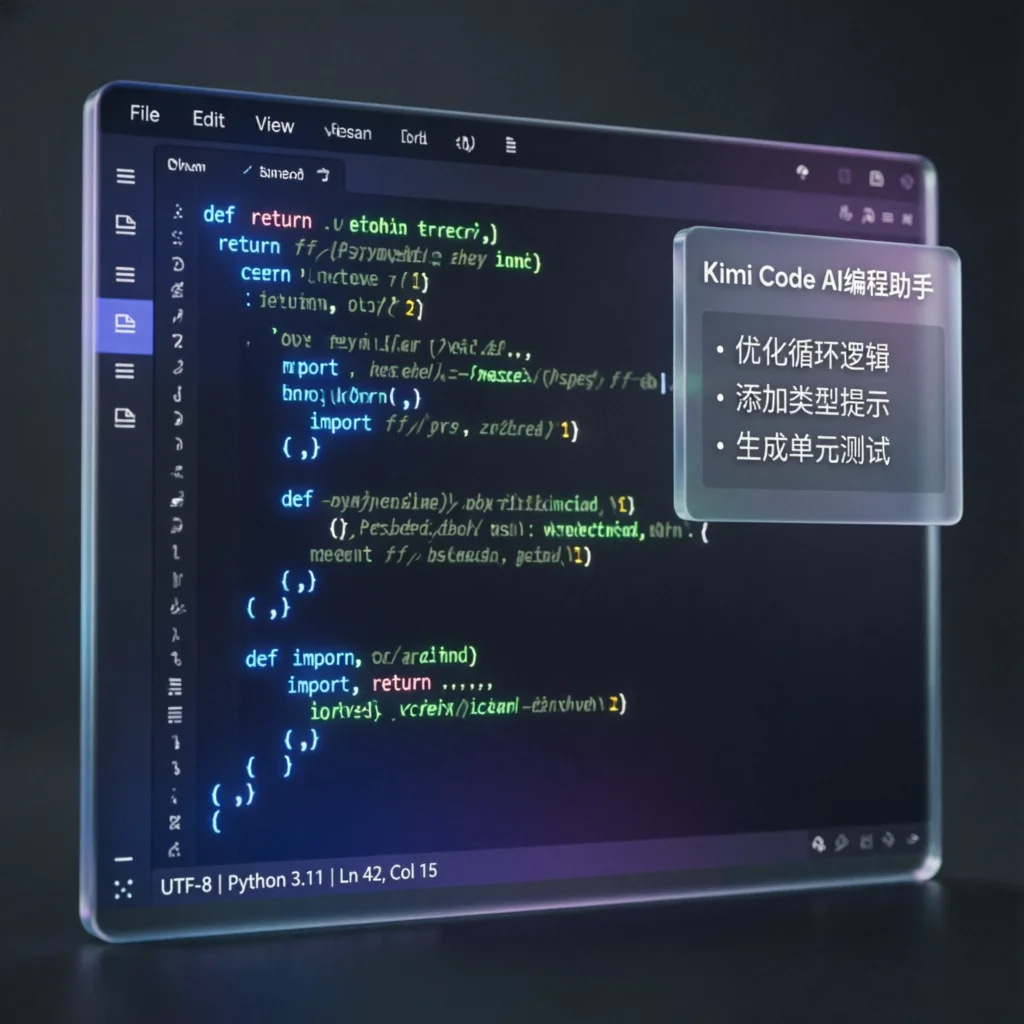
What Is Kimi Code?
Kimi Code is a professional AI coding assistant developed by Moonshot AI, built on the Kimi K2.6 model and designed specifically for developers. Unlike the general-purpose Kimi chatbot, Kimi Code is deeply optimized for programming scenarios — it can understand the context of an entire codebase and handle engineering-grade tasks.
Core positioning: A free, China-native AI coding tool that competes directly with Claude Code and Cursor.
Kimi Code Core Features in Detail
1. Repository-Level Context Understanding
Kimi Code is not a simple “single-file code completion” tool. It can:
- Read your entire project structure: Understand dependencies between files
- Make cross-file changes: Modify multiple related files at once while maintaining consistency
- Understand project configuration: Recognize package.json, requirements.txt, Cargo.toml, and other config files
This means you can ask: “Help me add user authentication to this project,” and Kimi Code will automatically create the routes, models, controllers, middleware, and other complete modules.
2. Deep Multi-Language Support
Kimi Code is specifically optimized for mainstream programming languages:
| Language | Support Level | Special Optimizations |
|---|---|---|
| Python | ⭐⭐⭐⭐⭐ | Data science, web frameworks, automation scripts |
| TypeScript/JavaScript | ⭐⭐⭐⭐⭐ | Full-stack support for React/Vue/Node.js |
| Rust | ⭐⭐⭐⭐⭐ | Officially optimized with memory safety checks |
| Go | ⭐⭐⭐⭐⭐ | Officially optimized with concurrency pattern understanding |
| Java | ⭐⭐⭐⭐ | Spring Boot, microservices architecture |
| C/C++ | ⭐⭐⭐⭐ | Embedded systems, systems programming |
| Others | ⭐⭐⭐⭐ | Ruby, PHP, Swift, Kotlin, etc. |
3. Engineering-Grade Task Handling
Kimi Code doesn’t just handle “write a function” — it tackles complete engineering-level operations:
Typical scenarios:
- Project migration: Migrate a legacy project from JavaScript to TypeScript
- Dependency upgrades: Upgrade React versions and fix all breaking changes
- Code refactoring: Convert Class components to Hooks
- Test generation: Generate unit tests for entire modules
- Documentation generation: Automatically generate API docs from code
4. Agent Mode: Autonomous Execution of Complex Tasks
Kimi Code’s Agent mode lets AI work like a real developer:
- Requirements analysis: Understand your intent and break it down into subtasks
- Code writing: Implement functional modules one by one
- Test verification: Automatically run tests and check if they pass
- Bug fixing: Detect and fix bugs without manual intervention
- Iterative optimization: Continuously improve based on feedback
Real-world case: In a complex engineering task, Kimi Code ran autonomously for 13 hours, made 4,000+ tool calls, and independently completed the entire workflow from requirements analysis to final delivery.
5. Multimodal Input: Code from Images
Kimi Code supports direct image uploads:
- UI design mockups → Generate corresponding frontend code
- Error screenshots → Identify error messages and suggest fixes
- Architecture diagrams → Understand system design and assist with implementation
- Data charts → Interpret data and generate analysis code
Kimi Code vs. General Kimi: What’s the Difference?
| Dimension | General Kimi | Kimi Code |
|---|---|---|
| Use case | Daily chat, learning, writing | Professional coding, engineering tasks |
| Context scope | Single-turn / limited conversation | Entire codebase |
| Output format | Conversational answers | Code changes ready to apply |
| Tool access | Limited | Full terminal and filesystem access |
| Target audience | Everyone | Developers, engineers |
Recommendation: If you primarily use Kimi for coding or engineering tasks, use Kimi Code directly — it delivers an experience much better aligned with programming workflows.
Kimi Code vs. Cursor vs. GitHub Copilot
Comparing Kimi Code with other mainstream AI coding tools:
| Feature | Kimi Code | Cursor | GitHub Copilot |
|---|---|---|---|
| Price | ✅ Free | $20/month | $10/month |
| China accessibility | ✅ Direct access | ⚠️ Unstable | ❌ Requires VPN |
| Codebase understanding | ✅ Complete | ✅ Yes | ⚠️ Limited |
| Agent mode | ✅ Autonomous execution | ✅ Yes | ❌ No |
| Multi-language optimization | ✅ Deep | ⚠️ Basic | ⚠️ Basic |
| Chinese support | ✅ Native | ⚠️ Basic | ⚠️ Basic |
| Open source | ✅ Model is open source | ❌ | ❌ |
Choosing the Right Tool
Choose Kimi Code if:
- You’re on a budget and want a free solution
- You’re based in China and need stable access
- You prefer a Chinese-language interaction environment
- You need full autonomous Agent execution capabilities
Choose Cursor if:
- You have a paid budget
- You prefer the VS Code ecosystem
- You need local model support
Choose GitHub Copilot if:
- You’re deeply invested in the GitHub ecosystem
- You need enterprise-grade support
- You already have a Microsoft subscription
Getting Started with Kimi Code
Step 1: Visit Kimi Code
Open your browser and go to kimi.com/code
Step 2: Register / Log In
- Sign up with your phone number or email
- Start using it immediately — no payment required
Step 3: Choose Your Interaction Mode
Kimi Code offers three modes:
| Mode | Use Case |
|---|---|
| Chat | Quick questions, code consultation |
| Agent | Complex tasks, autonomous execution (recommended) |
| Builder | Build projects from scratch |
Recommendation: For coding tasks, prioritize Agent mode and let Kimi Code handle the work autonomously.
Step 4: Describe Your Requirements
Describe what you want to achieve in natural language, for example:
Help me create a Next.js project with user login/registration,
using Prisma to connect to a PostgreSQL database
Kimi Code will automatically:
- Create the project structure
- Configure dependencies
- Implement the feature code
- Generate the database schema
- Provide run instructions
Step 5: Review and Apply
Review the code generated by Kimi Code, and once confirmed, apply it to your project.
Advanced Tips
Tip 1: Provide Clear Context
When describing your requirements, give enough background information:
❌ “Help me write an API” ✅ “Help me write a user management API using Express.js with CRUD operations, storing data in MongoDB”
Tip 2: Iterate Step by Step
For complex tasks, you can proceed incrementally:
- First, have Kimi Code generate the base structure
- Gradually add feature modules
- Finally, optimize and test
Tip 3: Leverage Multimodal Capabilities
When working on UI-related tasks, upload design mockup screenshots directly and let Kimi Code generate code from the images.
Tip 4: Combine with Agent Swarm
For large projects, you can use Kimi’s Agent Swarm feature to have multiple AI agents collaborate in parallel:
- One Agent handles the frontend
- One Agent handles the backend
- One Agent handles testing
FAQ
Is Kimi Code completely free?
Yes. Core features accessed through kimi.com/code are entirely free, including code generation, Agent mode, and multimodal input. The official detailed free-tier limits haven’t been publicly disclosed, but daily usage is generally sufficient.
What programming languages does Kimi Code support?
It supports all mainstream programming languages, including Python, TypeScript/JavaScript, Rust, Go, Java, C/C++, Ruby, PHP, Swift, and more. Rust and Go receive special optimizations.
What’s the difference between Kimi Code and general Kimi?
Kimi Code is optimized specifically for programming — it understands entire codebases and handles engineering-grade tasks. General Kimi is suited for everyday conversation and multi-purpose scenarios. For coding tasks, Kimi Code is recommended.
Do I need a VPN to use it in China?
No. Kimi Code’s servers are located in China, providing stable and fast access.
Can it be used offline?
Currently, an internet connection is required. The K2.6 model is open source, so technical users can self-deploy, but the official Kimi Code service requires online access.
Summary
Kimi Code is one of the most worthwhile free AI coding assistants to try in 2026. It offers repository-level understanding, deep multi-language support, autonomous Agent execution, and multimodal input — performing on par with Claude Code and Cursor on coding benchmarks.
For developers in China, the combination of free, direct access, and Chinese-language optimization makes Kimi Code an ideal choice for daily programming tasks.
Try it now: Kimi Code Official Site
Last updated: 2026-06-15 Author: Kevin Peng





