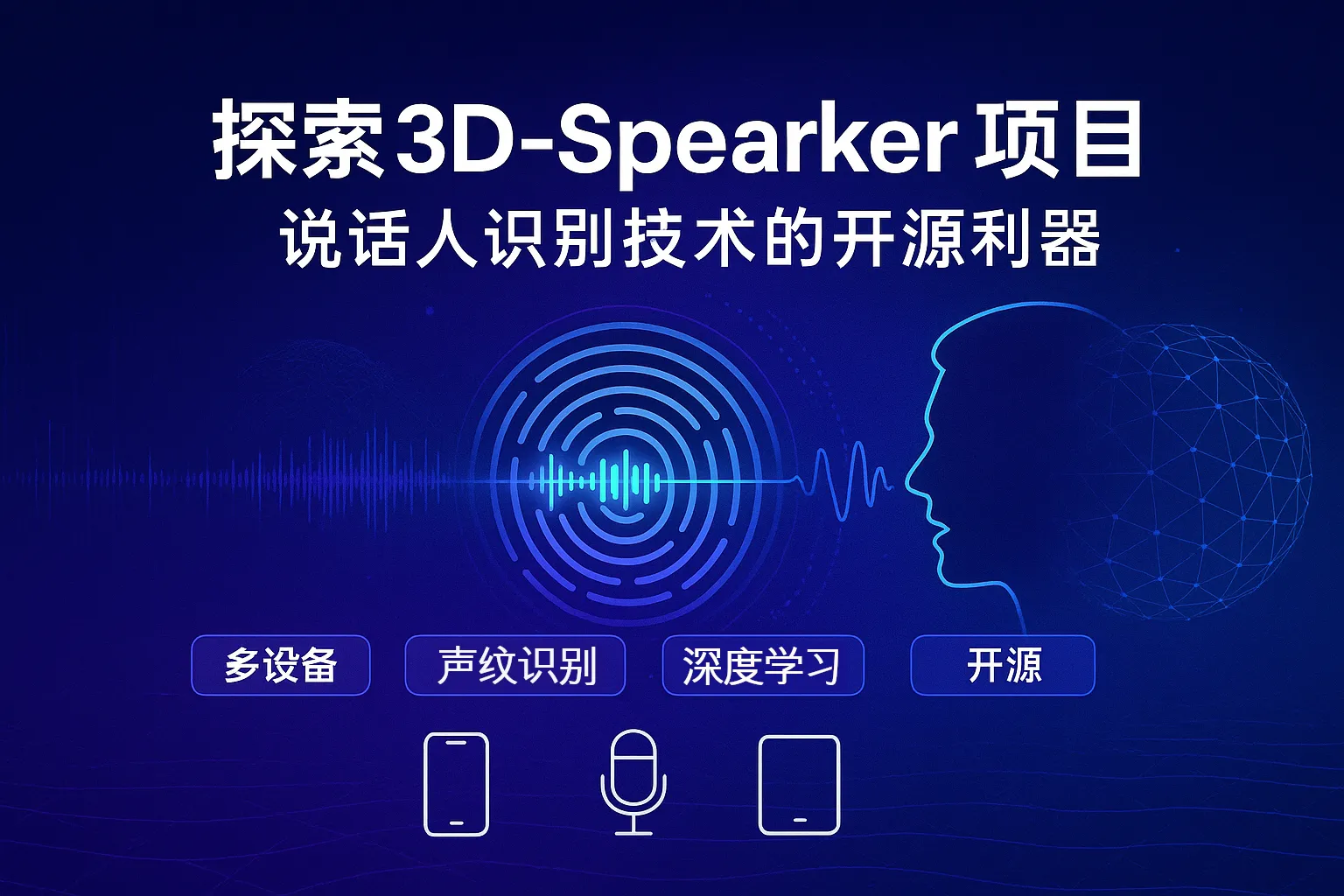
Exploring 3D Speaker: The Open-Source Powerhouse for Speaker Recognition
Speaker recognition (Speaker Identification) is a crucial technology in artificial intelligence that identifies speakers based on their voice characteristics. Unlike speech recognition (which focuses on “what was said”), it specializes in determining “who is speaking,” with widespread applications in customer identity verification, forensic investigation, and more. 3D-Speaker, as an open-source speaker recognition toolkit, provides datasets, models, and algorithm frameworks that are advancing this technology. This article will take you deep into its core features and usage methods.
1. Speaker Recognition Technology Explained
1.1 Technical Definitions and Core Distinctions
- Speaker Identification Matching unknown speech against known voiceprints in a database (1:N matching) to determine speaker identity.
- Speaker Verification Confirming through 1:1 matching whether the speaker matches their claimed identity.
- Speech Recognition Focuses on transcribing speech content without identity judgment.
1.2 Technical Workflow
- Feature Extraction Extract acoustic features from speech such as Mel-Frequency Cepstral Coefficients (MFCC) and Linear Predictive Cepstral Coefficients (LPCC).
- Model Training Use deep neural networks (such as CNN, ECAPA-TDNN) to learn speaker characteristics.
- Voiceprint Enrollment Generate unique voiceprint templates for each speaker.
- Real-time Recognition Match new speech against the voiceprint database and return the most likely speaker list.
1.3 Typical Application Scenarios
| Domain | Use Cases |
|---|---|
| Forensic Investigation | Matching criminal recordings against suspect voiceprint databases |
| Intelligent Customer Service | Automatically identifying returning customers by voice for personalized service |
| Smart Home | Unlocking devices via voiceprint, distinguishing commands from different users |
| Healthcare | Voice-based identity verification for chronic disease patients, ensuring electronic medical record security (Research Reference) |
2. Comprehensive Overview of the 3D-Speaker Project
2.1 Project Positioning and Advantages
3D-Speaker was developed by the ModelScope team, focusing on speaker recognition in multi-device, multi-distance, and multi-dialect scenarios. Its core advantages include:
- Multimodal Support: May integrate 3D audio or visual data to enhance robustness
- Industrial-Grade Datasets: Covers 14 Chinese dialects, 5 device types (smartphones/tablets/recorders, etc.), near-field/far-field recordings
- Advanced Model Library: Provides SOTA models like Res2Net and ECAPA-TDNN with excellent performance on benchmarks like VoxCeleb
2.2 Core Components
2.2.1 3D-Speaker Dataset
| Dimension | Details |
|---|---|
| Dialect Coverage | 14 Chinese dialects (Northern Mandarin, Wu, Cantonese, etc.) |
| Device Types | PC, smartphones, iPad, recorders, array microphones |
| Recording Distance | Near-field (<0.8m), far-field (>0.8m) |
| Data Scale | 1000+ speakers, each with multi-device, multi-distance recordings |
| Access Method | Apply for download at dataset official website, includes cross-device/distance/dialect test sets |
(Data source: 3D-Speaker Paper)
2.2.2 Pre-trained Model Performance
Model performance on VoxCeleb1-O test set:
| Model | Parameters (Millions) | Equal Error Rate (EER%) |
|---|---|---|
| ECAPA-TDNN | 20.8 | 0.52 |
| ERes2Net-large | 22.46 | 0.64 |
| CAM++ | 7.2 | 1.04 |
(Note: Lower EER indicates better performance)
2.2.3 Speaker Diarization
Supports “who spoke when” analysis in multi-speaker conversation scenarios:
- AMI_SDM dataset DER: 21.76%
- Aishell-4 dataset DER: 10.30%
3. Practical Tutorial: Quick Start Guide
3.1 Environment Setup
# Clone the code repository
git clone https://github.com/modelscope/3D-Speaker.git
cd 3D-Speaker

# Install dependencies
pip install -r requirements.txt
3.2 Using Pre-trained Models
from modelscope.pipelines import pipeline
from modelscope.utils.constant import Tasks

# Initialize speaker verification pipeline
verifier = pipeline(task=Tasks.speaker_verification, model='damo/speech_eres2net_sv_zh-cn_3dspeaker_16k')

# Compare whether two audio segments are from the same person
audio1 = 'path/to/audio1.wav'
audio2 = 'path/to/audio2.wav'
result = verifier([audio1, audio2])

print(f"Similarity score: {result['scores'][0]:.4f}")
# Example output: Similarity score: 0.9321 (threshold typically set at 0.85)
3.3 Custom Voiceprint Database
from speakerlab.utils.builder import build_embedding_model

# Load ERes2Net model
model = build_embedding_model('eres2net')

# Extract voiceprint features
import torchaudio
waveform, sr = torchaudio.load('user_audio.wav')
embeddings = model.encode_wav(waveform, sample_rate=sr)

# Save to database
import numpy as np
np.save('user_emb.npy', embeddings)
4. Technical Extensions: 3D-CNN for Speaker Recognition
Beyond the 3D-Speaker project, another innovative approach uses 3D Convolutional Neural Networks (3D-CNN) to model the time-frequency-spatial features of speech:
4.1 Core Concept
- Treat speech segments as three-dimensional tensors (time x frequency x channel)
- Capture both local and global features simultaneously through 3D convolutional kernels
- Achieve EER of 3.22% on VoxCeleb dataset (Paper)
4.2 Code Implementation
# Implement 3D-CNN using PyTorch
import torch.nn as nn

class Speaker3DCNN(nn.Module):
    def __init__(self):
        super().__init__()
        self.conv1 = nn.Conv3d(1, 64, (3,5,5))
        self.pool = nn.MaxPool3d((1,2,2))
        self.fc = nn.Linear(64*10*12, 512)  # Assuming input dimension is 20x64x64

    def forward(self, x):
        x = self.pool(nn.ReLU()(self.conv1(x)))
        x = x.view(x.size(0), -1)
        return self.fc(x)
5. Developer Resources
-
[Getting Started Tutorial] Building a Speaker Recognition System from Scratch
- Step-by-step guide to MFCC feature extraction and CNN model training
-
[Meeting Applications] Speaker Diarization for Online Meetings in Practice
- Implement automatic meeting minutes generation with 3D-Speaker
-
[Extended Reading] Microsoft Azure Speaker Recognition Documentation
- Understand the design concepts behind commercial APIs
6. Summary and Future Outlook
The 3D-Speaker project is breaking through the limitations of traditional voiceprint recognition through multi-dimensional data collection and advanced model architectures. For developers, its open-source nature lowers the barrier to technology implementation; for researchers, rich datasets provide experimental foundations for cutting-edge directions like speech representation disentanglement. With the development of multimodal fusion technology, voiceprint recognition is expected to combine with facial recognition and behavioral analysis in the future to build more precise biometric authentication systems.
Take Action Now:
- Visit the GitHub Repository for code
- Apply for the 3D-Speaker Dataset
- Try deploying the ECAPA-TDNN model in your voice applications
The evolution of technology is endless. Join the open-source community now and help shape the future of voice recognition!