Luma Ray3 Review (2026): The World's First Reasoning Video Model — HDR, Keyframes & Cinematic AI Video
 ▲ Luma Ray3 — next-generation reasoning-driven video generation model
In 2026, AI video generation has entered the "Reasoning Era." Ray3 from Luma Labs isn't just another text-to-video model — it's the world's first AI video generator with "visual reasoning" capabilities, able to understand complex scene logic, maintain character consistency, and output professional-quality HDR/EXR footage.
If you're still generating videos with traditional text prompts, Ray3 will make you rethink what AI video is capable of.
What Is Luma Ray3?
Ray3 is the latest video generation model from Luma Labs' Dream Machine platform. Unlike its predecessors Ray1.6 and Ray2, Ray3 introduces Reasoning — the model "thinks" about the physical laws of a scene, the logic of character movements, and narrative coherence, instead of simply interpolating pixels.
Simply put: Ray1.6 can generate good-looking frames, Ray2 can make them coherent, but Ray3 understands the story you're telling.
Generations Compared
| Feature | Ray1.6 | Ray2 | Ray3 |
|---|---|---|---|
| Visual Quality | ⭐⭐⭐ | ⭐⭐⭐⭐ | ⭐⭐⭐⭐⭐ |
| Physical Consistency | Basic | Good | Excellent |
| Narrative Coherence | ❌ | Limited | ✅ Reasoning-driven |
| HDR/EXR Output | ❌ | ❌ | ✅ |
| Keyframe Control | ❌ | ❌ | ✅ |
| Character Consistency | Weak | Medium | Strong |
Ray3's Core Features
1. Visual Reasoning
This is Ray3's biggest selling point. When you enter a prompt, Ray3 will:
- Understand physical relationships between objects (gravity, collision, reflection)
- Maintain character consistency across multiple shots
- Predict reasonable action sequences (instead of randomly generating frames)
- Understand camera intent (push, pull, pan, track)
 ▲ Visual Annotation — precisely control layout and character motion by drawing on images
Example Prompt:
A golden retriever jumps to catch a frisbee in slow motion,
sunset lighting, beach background, cinematic camera pan right, 24fps
Ray3 "reasons" out: the dog's jump arc, the frisbee's flight path, how light changes over time, and generates a coherent action sequence.
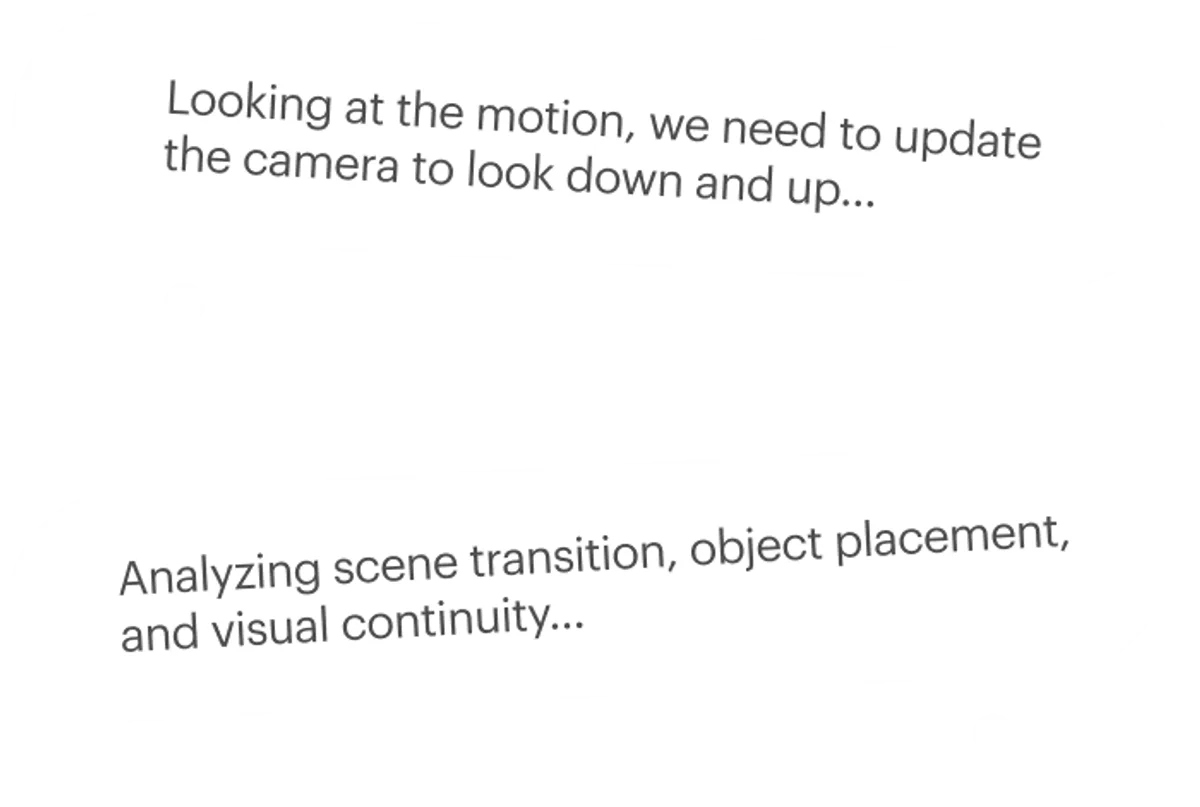 ▲ Ray3 Chain of Thought — interprets prompts with nuance, judges early drafts, and retries until your quality bar is met
2. HDR and EXR Output
Ray3 is one of the few AI video models that support HDR (High Dynamic Range) and EXR (OpenEXR format) output. This means:
- Higher color depth and dynamic range
- Suitable for professional post-production workflows
- Can be imported directly into DaVinci Resolve, Adobe Premiere, etc.
- Retains more detail for color grading and VFX
 ▲ HDR Generation — tone map HDR videos to the perfect look
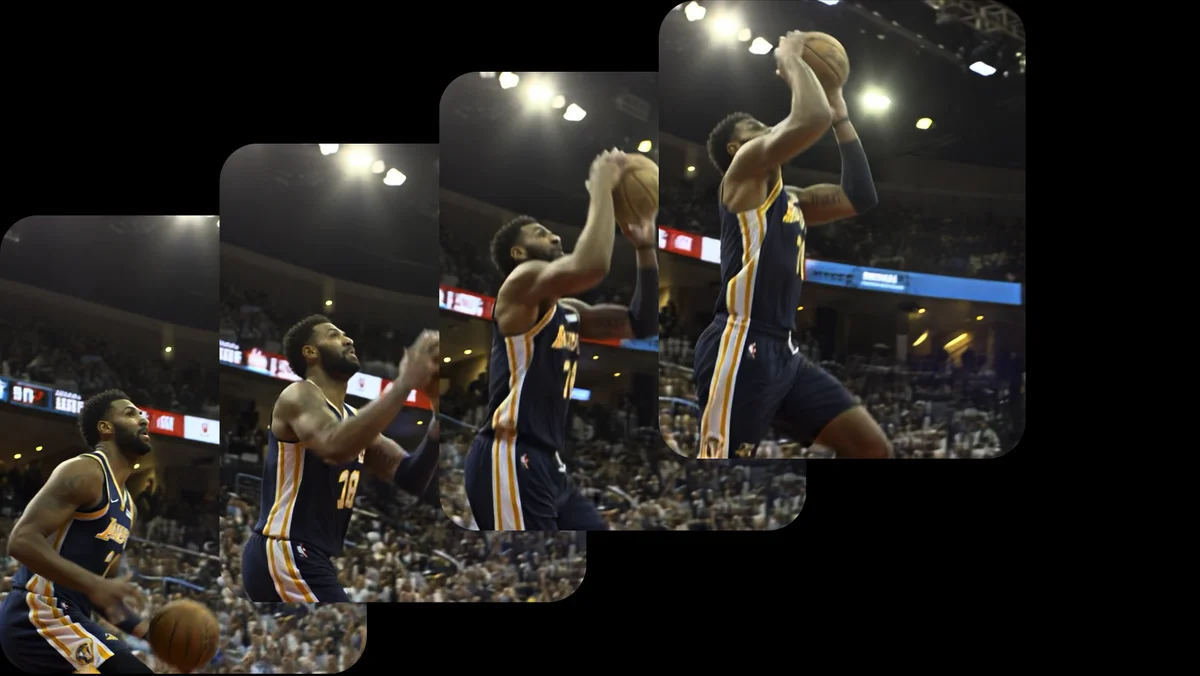 ▲ EXR Export — export as 16-bit EXR frames for professional editing and compositing pipelines
3. Ray3 Modify — AI-Assisted Editing
Ray3 isn't just a generation tool, it's also an editing tool. The Ray3 Modify feature lets you:
- Upload existing photos/videos and enhance or modify them with AI
- Recompose: Change the composition without losing quality
- Edit Elements: Describe what to change in natural language ("make the shirt red")
- Upscale: Boost low-resolution footage to 4K
- Preserve Original Content: Keep key elements intact during editing
4. Keyframe Control
Ray3 supports keyframe editing, giving you precise control over key moments in your video:
Keyframe 1 (0s): Person standing at the door, turning to look at the camera
Keyframe 2 (2s): Person smiles and starts walking toward the center
Keyframe 3 (4s): Person stops at center, gesturing an invitation
The model generates natural transitions between keyframes.
5. Luma Agents — AI Video Agents
Luma also launched AI Agent features that can:
- Automatically break long text into multiple scenes
- Generate prompts for each scene
- Batch-generate video clips
- Automatically stitch them into a complete video
How to Use Ray3
Method 1: Web App (Recommended for Beginners)
- Visit lumalabs.ai/ray
- Create an account (free trial available)
- Choose model: Ray3 or Ray3.14 (latest)
- Enter a prompt or upload an image
- Select parameters (resolution, duration, quality mode)
- Click Generate and wait 1-2 minutes
Method 2: iOS App
Luma Dream Machine has an iOS app that supports:
- Generating videos directly on your phone
- Taking photos and instantly animating them
- Saving works offline
- One-tap sharing to social media
Method 3: API Integration (Developers)
Luma provides a RESTful API for programmatic access to Ray3:
import requests

API_KEY = "your_luma_api_key"

response = requests.post(
    "https://api.lumalabs.ai/dream-machine/v1/generations",
    headers={"Authorization": f"Bearer {API_KEY}"},
    json={
        "prompt": "A cyberpunk city at night, neon lights reflecting on wet streets, camera slowly zooming in",
        "model": "ray3",
        "duration": 5,
        "resolution": "1080p",
        "hdr": True
    }
)

generation_id = response.json()["id"]

# Poll for result
result = requests.get(
    f"https://api.lumalabs.ai/dream-machine/v1/generations/{generation_id}",
    headers={"Authorization": f"Bearer {API_KEY}"}
)
print(result.json()["url"])
Pricing (2026 Latest)
| Plan | Monthly | Yearly | Monthly Credits | Videos | Features |
|---|---|---|---|---|---|
| Free | $0 | $0 | 30 | ~10 clips | Basic experience |
| Standard | $9.99 | $99 | 120 | ~40 clips | 1080p |
| Pro | $49.99 | $300 | 400 | ~135 clips | HDR output, priority queue |
| Premier | $149.99 | $900 | 1,200 | ~400 clips | 4K, EXR, unlimited storage |
| Team | Custom | Custom | Custom | Custom | Collaboration, API access |
Credit Usage Reference: - Ray3 Standard Quality: 3 credits/clip (5 seconds) - Ray3 HDR Mode: 5 credits/clip (5 seconds) - Ray3.14 Standard: 2 credits/clip (5 seconds) - Ray3 Modify: 4 credits/edit
💡 Money-Saving Tip: Annual plans save ~20% vs. monthly. Ray3.14 is the latest version — uses fewer credits and generates faster.
Ray3 vs. Competitors
Ray3 vs. Runway Gen-4.5
| Aspect | Luma Ray3 | Runway Gen-4.5 |
|---|---|---|
| Reasoning | ✅ Visual Reasoning | ❌ Traditional Generation |
| HDR Output | ✅ | ✅ |
| Keyframe Control | ✅ | ✅ |
| Video Duration | 5-10 seconds | Up to 10 seconds |
| Resolution | 1080p-4K | Up to 4K |
| Starting Price | $9.99/mo | $12/mo |
| Strengths | Narrative coherence, value | Image refinement, brand recognition |
Ray3 vs. Kling AI 3.0
| Aspect | Luma Ray3 | Kling AI 3.0 |
|---|---|---|
| Reasoning | ✅ | ❌ |
| Video Duration | 5-10 seconds | Up to 10 seconds |
| Chinese Support | Limited | ✅ Native |
| Price | More expensive | More affordable |
| Strengths | Physical consistency, HDR | Chinese ecosystem, price advantage |
Best Practices & Prompt Tips
1. Structured Prompts
Ray3's reasoning capability lets it understand complex prompts. Use this structure:
[Subject Description] + [Action] + [Environment] + [Camera Movement] + [Technical Specs]
Good Prompt:
A young woman in a white lab coat examines a glowing crystal under a microscope,
laboratory background with blue LED lighting, slow dolly zoom in,
shallow depth of field, cinematic color grading, 24fps
Bad Prompt:
woman looking at crystal
2. Use Keyframes for Storytelling
For narrative-driven videos, use the keyframe feature:
Keyframe 1: Rainy night, neon-lit street, a figure walking
Keyframe 2: Figure stops, looks up at the sky
Keyframe 3: Rain stops, moonlight falls, figure smiles
3. Leverage Ray3 Modify
Don't generate from scratch every time. If you have a decent shot but want to adjust:
- Upload the original video/image
- Describe what to change in natural language
- Ray3 preserves the core content, modifying only the specified parts
4. Choose the Right Model Version
- Ray3: Highest quality, best for final output
- Ray3.14: Faster, cheaper, ideal for drafts and iterations
- Draft Mode: Fastest, great for quick idea validation
Limitations & Considerations
Ray3 is powerful, but still has limitations:
- Duration Limit: Max 10 seconds per generation; longer videos need to be generated in segments and stitched
- No Audio: Ray3 only generates video — audio must be added in post
- Multi-Character Scenes: 3+ characters interacting simultaneously may cause inconsistencies
- Text Rendering: On-screen text is still unreliable
- Queue Wait: Free users and peak hours may experience delays
- Prompt Sensitivity: Small prompt changes can produce completely different results
Best Use Cases
Ray3 is ideal for:
- 🎬 Pre-Visualization: Quick scene concept videos
- 📱 Social Media Content: Short-form video creation
- 🛍️ Product Demos: 360° product showcases, use-case simulations
- 🎨 Advertising: Rapid ad concept prototyping
- 📚 Educational Content: Instructional辅助 videos
- 🎮 Game Concepts: Character and scene concept validation
Summary
Luma Ray3 represents the cutting edge of AI video generation — shifting from "generating pixels" to "understanding stories." Its reasoning capability transforms AI video from random frame stacking into logical, coherent visual narrative.
If you need high-quality, narrative-driven AI video, Ray3 is one of the best tools to try right now.
Get Started: - 🌐 Web: lumalabs.ai/ray - 📱 iOS: Search "Dream Machine" on the App Store - 💻 API Docs: docs.lumalabs.ai - 💰 Pricing: lumalabs.ai/pricing
This article is based on the latest Luma Ray3 version as of May 2026. Features and pricing may change — please refer to official sources for the most current information.