為什麼選擇 Mastra?
如果你是一名 TypeScript/JavaScript 開發者,想要在 AI 應用開發中獲得與 Python 開發者同等的生產力,Mastra 就是為你打造的框架。
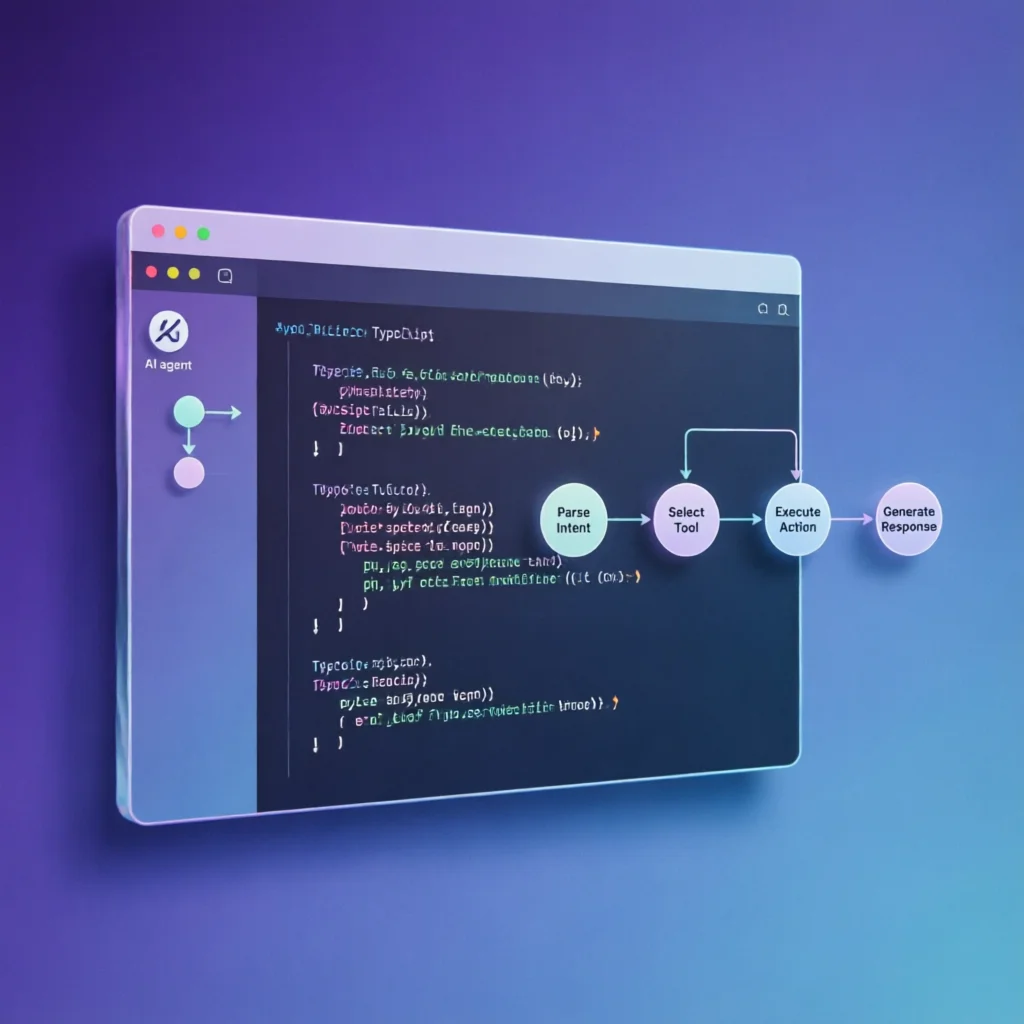
Mastra 是一個開源的 TypeScript 原生 AI Agent 框架,由 Y Combinator 支援,專為 Web 開發者設計。它提供了構建、測試和部署 AI 應用所需的所有原語,讓你能夠快速從想法走向生產環境。
核心優勢
- TypeScript 原生:完整的型別支援和 IDE 智慧提示
- 生產就緒:內建工作流、記憶、RAG、評估和追蹤
- 開發者體驗:互動式 Playground 和實時除錯
- 開源免費:MIT 許可證,社群驅動
快速開始
安裝 Mastra
# 建立新專案
npx create-mastra@latest my-ai-app

# 進入專案目錄
cd my-ai-app

# 安裝依賴
npm install
專案結構
my-ai-app/
├── src/
│   ├── mastra/
│   │   ├── agents/          # Agent 定義
│   │   ├── tools/           # 自訂工具
│   │   ├── workflows/       # 工作流
│   │   └── index.ts         # 主入口
│   └── index.ts
├── package.json
└── mastra.config.ts
核心概念
1. 建立 Agent
Agent 是 Mastra 的核心構建塊。每個 Agent 都有特定的角色、工具和記憶。
// src/mastra/agents/customer-support.ts
import { Agent } from '@mastra/core/agent';

export const customerSupportAgent = new Agent({
  name: 'Customer Support Agent',
  instructions: `
    你是一名專業的客服助手,負責回答使用者關於產品的問題。
    - 保持友好和專業的語氣
    - 提供準確的資訊
    - 如果不知道答案,誠實告知並建議聯絡人工客服
  `,
  model: {
    provider: 'ANTHROPIC',
    name: 'claude-sonnet-4-20250514',
  },
});
2. 建立自訂工具
工具讓 Agent 能夠執行具體操作,比如查詢資料庫、呼叫 API 等。
// src/mastra/tools/order-lookup.ts
import { createTool } from '@mastra/core/tools';
import { z } from 'zod';

export const orderLookupTool = createTool({
  id: 'order-lookup',
  description: '根據訂單號查詢訂單狀態',
  inputSchema: z.object({
    orderId: z.string().describe('訂單編號'),
  }),
  execute: async ({ context }) => {
    const { orderId } = context;

    // 模擬資料庫查詢
    const order = await db.orders.findUnique({
      where: { id: orderId },
    });

    return {
      status: order?.status || 'not_found',
      items: order?.items || [],
      total: order?.total || 0,
    };
  },
});
3. 將工具繫結到 Agent
// src/mastra/agents/customer-support.ts
import { customerSupportAgent } from './customer-support';
import { orderLookupTool } from '../tools/order-lookup';

// 新增工具
customerSupportAgent.addTools([orderLookupTool]);
4. 建立工作流
工作流讓你能夠編排多個 Agent 和工具,實現複雜的業務流程。
// src/mastra/workflows/order-processing.ts
import { Workflow } from '@mastra/core/workflows';
import { agentStep } from '@mastra/core/step';

export const orderProcessingWorkflow = new Workflow({
  name: 'order-processing',
  triggerSchema: z.object({
    orderId: z.string(),
    customerEmail: z.string().email(),
  }),
});

// 定義步驟
const checkOrder = agentStep({
  agent: customerSupportAgent,
  outputSchema: z.object({
    status: z.string(),
    canRefund: z.boolean(),
  }),
});

const sendEmail = agentStep({
  agent: emailAgent,
  outputSchema: z.object({
    sent: z.boolean(),
  }),
});

// 編排流程
orderProcessingWorkflow
  .step(checkOrder)
  .then(sendEmail, {
    when: { ref: checkOrder, path: 'canRefund', eq: true },
  });
實戰範例:構建客服機器人
讓我們構建一個完整的客服機器人,能夠處理訂單查詢、退貨請求和產品諮詢。
完整程式碼
// src/mastra/index.ts
import { Mastra } from '@mastra/core/mastra';
import { customerSupportAgent } from './agents/customer-support';
import { orderLookupTool } from './tools/order-lookup';
import { refundTool } from './tools/refund';
import { orderProcessingWorkflow } from './workflows/order-processing';

export const mastra = new Mastra({
  agents: {
    'customer-support': customerSupportAgent,
  },
  tools: {
    'order-lookup': orderLookupTool,
    'refund': refundTool,
  },
  workflows: {
    'order-processing': orderProcessingWorkflow,
  },
});
啟動開發伺服器
# 啟動 Mastra 開發伺服器(包含 Playground)
npx mastra dev
存取 http://localhost:4111 開啟互動式 Playground,可以實時測試你的 Agent。
呼叫 Agent
// src/index.ts
import { mastra } from './mastra';

async function main() {
  const agent = mastra.getAgent('customer-support');

  const response = await agent.generate(
    '我的訂單號是 ORD-12345,請幫我查詢狀態'
  );

  console.log(response.text);
}

main();
高階功能
記憶系統
Mastra 內建記憶功能,讓 Agent 能夠記住對話歷史。
import { Memory } from '@mastra/memory';

const memory = new Memory({
  storage: {
    type: 'postgres',
    connectionString: process.env.DATABASE_URL,
  },
});

const agent = new Agent({
  name: 'Support Agent',
  memory,
  // ...其他配置
});
RAG(檢索增強生成)
import { RAG } from '@mastra/rag';

const rag = new RAG({
  vectorStore: {
    type: 'pinecone',
    apiKey: proces...KEY,
  },
});

// 索引文件
await rag.index({
  documents: ['./docs/product-manual.pdf'],
  indexName: 'product-knowledge',
});

// 在 Agent 中使用
const agent = new Agent({
  name: 'Product Expert',
  rag: {
    indexes: ['product-knowledge'],
  },
});
評估和追蹤
import { Eval } from '@mastra/evals';

const eval = new Eval({
  name: 'response-quality',
  criteria: [
    { name: 'accuracy', weight: 0.4 },
    { name: 'helpfulness', weight: 0.3 },
    { name: 'tone', weight: 0.3 },
  ],
});

// 執行評估
const results = await eval.evaluate(agent, testCases);
console.log(results.summary);
生產部署
部署到 Vercel
# 安裝 Vercel CLI
npm i -g vercel

# 部署
vercel deploy --prod
部署到 Docker
# Dockerfile
FROM node:20-alpine

WORKDIR /app
COPY package*.json ./
RUN npm ci

COPY . .
RUN npm run build

EXPOSE 3000
CMD ["npm", "start"]
# 構建和執行
docker build -t my-mastra-app .
docker run -p 3000:3000 my-mastra-app效能最佳化建議
- 使用流式響應:對於長文字生成,啟用 streaming 提升使用者體驗
- 快取工具結果:對於頻繁呼叫的工具,實現結果快取
- 批次處理:對於多個相似請求,使用批次 API 呼叫
- 監控延遲:使用 Mastra 內建追蹤監控各步驟耗時
與其他框架對比
| 特性 | Mastra | LangChain.js | Vercel AI SDK |
|---|---|---|---|
| TypeScript 原生 | ✅ | ⚠️ | ✅ |
| 內建工作流 | ✅ | ✅ | ❌ |
| 互動式 Playground | ✅ | ❌ | ❌ |
| 記憶系統 | ✅ | ✅ | ⚠️ |
| RAG 支援 | ✅ | ✅ | ❌ |
| 評估工具 | ✅ | ⚠️ | ❌ |
| 學習曲線 | 中等 | 陡峭 | 平緩 |
總結
Mastra 是 TypeScript 開發者進入 AI Agent 開發的最佳選擇之一。它提供了:
- 🎯 開發者友好的 API:型別安全、智慧提示完整
- 🔧 豐富的內建功能:工作流、記憶、RAG、評估一站式解決
- 🚀 生產就緒:從開發到部署的完整工具鏈
- 📚 優秀的文件:詳細的教學和範例
如果你已經在 TypeScript 生態中工作,想要快速構建 AI 應用,Mastra 值得嘗試。
參考資源
相關推薦閱讀: