In 2026, AI video generation has gone far beyond the simple “type text, get a few-second clip” paradigm. The real challenge is: how do you turn AI video from a “toy” into a “tool”? How do you go from a script to a complete video with character consistency, cinematic language, and sound design?
LTX Studio’s answer is: move the entire film production pipeline into your browser.
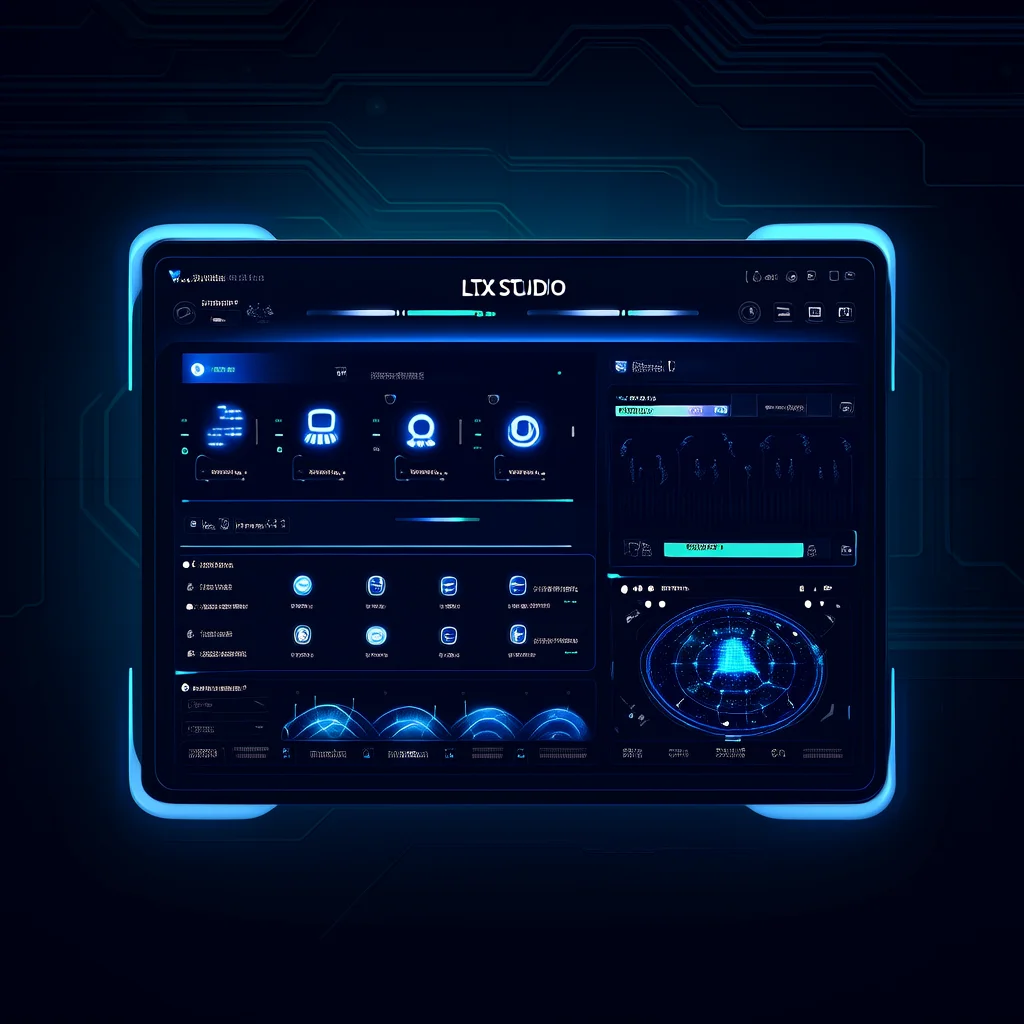
Built by Lightricks (the company behind Facetune and Videoleap), LTX Studio is the platform closest to the concept of an “AI film production workstation” in 2026. It is not just a single video generation model, but a complete production environment covering creative development, storyboarding, generation, editing, and voiceover.
What is LTX Studio?
LTX Studio is a browser-based AI video production platform with core capabilities including:
- Text-to-Video / Image-to-Video / Video-to-Video full-pipeline generation
- LTX-2 and LTX-2.3 proprietary video models
- Audio-to-Video: Upload audio to automatically generate matching visuals and lip-sync
- Storyboard Generator: One-click script-to-storyboard generation
- Elements System: Character and scene consistency management
- Retake: Local regeneration with director-level control
The difference from traditional video tools (Premiere, DaVinci) is: you don’t need to shoot footage first. From concept to final cut, everything is AI-driven.
Core Workflow: From Script to Final Cut
1. Script-Driven: Storyboard Generator
This is one of LTX Studio’s most differentiated features. Upload your script (or write it directly in the platform), and the AI will automatically:
- Break the script into scenes and shots
- Extract characters, objects, and scenes as reusable Elements
- Use FLUX.2 or Nano Banana Pro to generate visual drafts for each shot
- Maintain character appearance and scene consistency
# Storyboard Generation Flow
Script Upload → AI Scene Breakdown → Extract Elements → Choose Image Model → Generate Storyboard
For ad teams and independent filmmakers, this feature compresses what used to take hours of storyboarding work into minutes.
2. Video Generation: LTX-2 Model
LTX Studio’s proprietary LTX-2 video model is its core technology. The 2026 updated LTX-2.3 brings significant improvements:
| Feature | LTX-2 | LTX-2.3 |
|---|---|---|
| Max Duration | 5 seconds | 10 seconds |
| Resolution | 720p | 1080p |
| Character Consistency | Moderate | Excellent |
| Motion Fluidity | Good | Cinematic |
| Lip Sync | Basic | Precise |
Performance Modes:
- Speed Mode: Quick preview, ideal for creative iteration
- Quality Mode: Highest quality, ideal for final output
- Balance Mode: Balance between speed and quality
3. Audio-to-Video: Let Sound Drive the Visuals
This is LTX Studio’s most eye-catching new feature in 2026. Upload an audio file (dialogue, music, podcast), and the AI will:
- Automatically analyze the emotion and rhythm of the audio
- Generate matching performances and camera movements
- Lip-sync the content, automatically matching mouth movements
Supported audio formats: MP3, WAV, AAC, OGG, MOV, M4ATypical Use Cases:
- Podcast to Video: Upload podcast audio, automatically generate visual content
- Music Videos: Upload a song, AI generates visuals based on the rhythm
- Ad Voiceover: Upload voiceover, generate corresponding product showcase video
4. Retake: Director-Level Local Control
With traditional AI video tools, if you’re unsatisfied with a generated result, you have to regenerate the entire clip. LTX Studio’s Retake feature changes this:
- Select any segment within a 2-16 second clip
- Regenerate only the selected portion
- Surrounding frames remain unchanged, ensuring smooth transitions
This is like “reshooting a single shot” in traditional filmmaking, rather than “reshooting an entire scene.”
Pricing and Plans
LTX Studio offers four self-service plans:
| Plan | Price | Credits | Suitable For |
|---|---|---|---|
| Free | $0 | 800 (one-time) | Exploration |
| Lite | $15/mo | 8,000/mo | Individual Creators |
| Standard | $35/mo | 28,000/mo | Professional Creators |
| Pro | $125/mo | 110,000/mo | Teams / Commercial |
Key Differences:
- Free and Lite are for personal use only; Standard and Pro support commercial licensing
- AI Storyboard and Elements system available from Standard plan onwards
- Veo 3.1 model only available in Pro plan
- Annual billing saves 20%
Comparison with Other AI Video Tools
LTX Studio’s uniqueness lies in its full-process positioning. Compared with other tools:
| Dimension | LTX Studio | Kling 3.0 | Runway Gen-4.5 | Veo 3.1 |
|---|---|---|---|---|
| Positioning | Full-process production | Video generation | Video generation + editing | Video generation |
| Storyboard System | Yes | No | No | No |
| Character Consistency | Yes (Elements) | Limited | Limited | Limited |
| Audio-to-Video | Yes | No | No | No |
| Local Regeneration | Yes (Retake) | Limited | Limited | No |
| Team Collaboration | Yes (Pro) | No | No | No |
LTX Studio is ideal for: Creators who need a complete production pipeline, ad teams, film pre-visualization Other tools are ideal for: Scenarios that only need quick single-clip video generation
Getting Started
Step 1: Sign Up and Explore
Visit ltx.studio and register a free account. 800 credits are enough to experience the core features.
Step 2: Start with Storyboard
- Click New Project on the Dashboard
- Select Storyboard Generator
- Upload or write your script
- Choose an image model (FLUX.2 or Nano Banana Pro)
- Click Generate and wait for the AI to create the storyboard
Step 3: Generate Storyboard Videos
- Select the shots you want to turn into videos from the storyboard
- Switch to Gen Space
- Select the LTX-2.3 model
- Adjust camera controls (movement, zoom, angle)
- Generate and iterate
Step 4: Add Sound
- Upload audio files or use AI voiceover
- Use the Audio-to-Video feature
- Adjust lip-sync and visual rhythm
- Export the final video
Pro Tips
1. Use Elements to Maintain Character Consistency Elements extracted during the Storyboard phase are reused throughout the project, ensuring characters look consistent across different scenes.
2. Use Retake Instead of Full Regeneration When dissatisfied with a shot, use Retake for local edits first. This saves 80% of credits compared to regenerating the entire clip.
3. Iterate Creativity with Speed Mode First Use Speed Mode during the creative phase to quickly validate ideas, then switch to Quality Mode for the final version once the direction is set.
4. Combine with External Tools LTX Studio focuses on video generation. For audio post-production, use Audacity or Adobe Audition. For color grading, use DaVinci Resolve.
Summary
LTX Studio represents the highest stage of AI video generation in 2026: from “generating clips” to “producing works.” It is not the fastest tool, nor the one with the best single-point image quality, but it is currently the only AI video production system that integrates storyboarding, generation, editing, and voiceover into a single platform.
For marketing teams that need to produce video content in bulk, film professionals who need pre-visualization, and independent creators who want to experiment with AI storytelling, LTX Studio is currently the platform most worth investing time in learning.
Related Links:
- LTX Studio Official Website
- LTX-2 Model Introduction
- Audio-to-Video Feature Documentation
- Storyboard Generator Update
- LTX Studio Pricing Plans