Flux.1 Pro Complete Guide: Installation, Prompt Tips & Real Cases
Flux.1 is a next-generation image generation model family developed by Black Forest Labs. Since its release in 2024, it has quickly become a benchmark in the AI image generation field. This article provides an in-depth introduction to Flux.1’s three versions (Pro/Dev/Schnell), complete installation tutorials, prompt engineering tips, and a detailed comparison with Stable Diffusion.
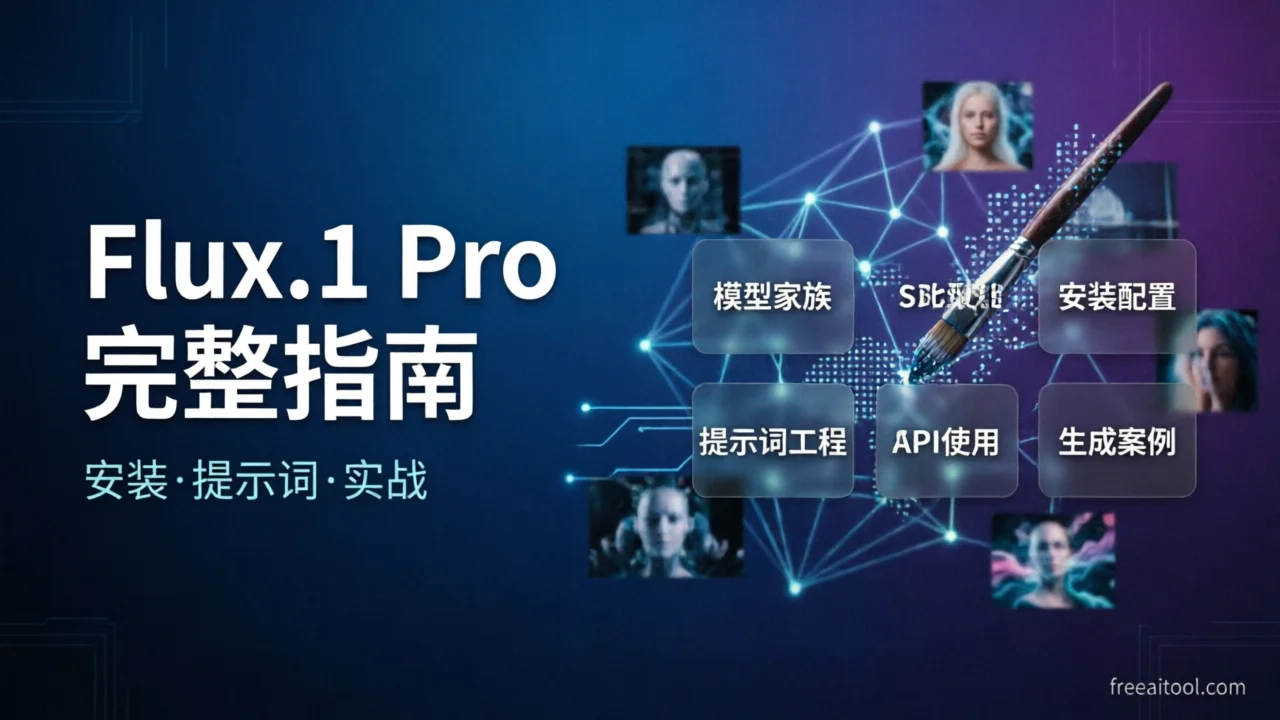
Flux.1 Model Family Overview
Flux.1 includes three core versions, each targeting different use cases:
Flux.1 Pro
Flux.1 Pro is the commercial flagship version, available through API. Key features:
- Highest Quality: Best performance in image quality, prompt adherence, and diversity
- Fast Inference: Version 1.1 generates photorealistic images in 4.5 seconds
- Commercial Use: Ideal for enterprise applications and professional creators
- API Pricing: Approximately $0.025-0.05 per generation (resolution-based)
Flux.1 Dev
Flux.1 Dev is the open-source non-commercial version for developers and researchers:
- 12B Parameters: Based on rectified flow transformer architecture
- Open Weights: Available for download on Hugging Face
- Non-Commercial License: For research and development only
- More Sampling Steps: Requires more steps than Pro to achieve optimal results
Flux.1 Schnell
Flux.1 Schnell is the fastest open-source version:
- Apache 2.0 License: Fully open-source, commercially usable
- Ultra-Fast Generation: Optimized for rapid inference
- Artistic Style: Better suited for concept art and creative exploration
- Local Deployment Friendly: Relatively low hardware requirements
Installation and Configuration Tutorial
Method 1: Using ComfyUI (Recommended for Beginners)
ComfyUI is the most popular node-based interface, supporting all Flux.1 versions:
# 1. Clone ComfyUI
git clone https://github.com/comfyanonymous/ComfyUI.git
cd ComfyUI

# 2. Install dependencies
pip install -r requirements.txt

# 3. Download Flux.1 model
# Download Dev or Schnell version from Hugging Face
# Place in models/checkpoints/ directory

# 4. Launch ComfyUI
python main.py
Visit http://127.0.0.1:8188 to use the graphical interface.
Method 2: Using Forge WebUI
Forge is an optimized version of Stable Diffusion WebUI:
# 1. Clone Forge
git clone https://github.com/lllyasviel/stable-diffusion-webui-forge.git
cd stable-diffusion-webui-forge

# 2. Install and launch
./webui.sh

# 3. Switch to Flux model in Settings
Method 3: Direct Python Usage
Use the official inference code:
# Clone official repository
git clone https://github.com/black-forest-labs/flux.git
cd flux

# Install dependencies
pip install -e ".[all]"

# Run example
python -m flux --name flux1-dev --prompt "A beautiful sunset over mountains"
Hardware Requirements
| Version | Minimum VRAM | Recommended VRAM | Inference Time |
|---|---|---|---|
| Pro (API) | N/A | N/A | ~4.5 seconds |
| Dev | 12GB | 24GB+ | 10-20 seconds |
| Schnell | 8GB | 12GB+ | 3-5 seconds |
Prompt Engineering Tips
Flux.1 has exceptional understanding of prompts, but some techniques help:
1. Structured Prompts
Use clear hierarchical structure:
[Subject Description], [Environment Background], [Lighting Conditions], [Style Modifiers], [Quality Keywords]

Example:
A majestic lion standing on a rock, African savanna at golden hour,
dramatic side lighting, photorealistic, 8k, highly detailed
2. Precise Detail Description
Flux.1 excels at understanding complex spatial relationships:
# Good prompt
A red sports car parked in front of a modern glass building,
reflection visible on the wet pavement, cloudy sky,
shot with Canon EOS R5, 35mm lens

# Avoid vague descriptions
car, building, nice
3. Text Rendering Tips
Flux.1 performs excellently at rendering text in images:
A vintage coffee shop sign with text "COFFEE" in elegant serif font,
wooden board with white letters, rustic aesthetic
4. Using Negative Prompts
While Flux.1 relies less on negative prompts, they can still be useful:
Negative prompt: blurry, low quality, distorted, deformed,
ugly, bad anatomy, watermark
5. Style Keyword Library
Common style modifiers:
- Photography: photorealistic, cinematic lighting, DSLR, film grain
- Artistic: oil painting, watercolor, digital art, concept art
- Rendering: 3D render, Unreal Engine, octane render, ray tracing
Comparison with Stable Diffusion
Flux.1 and Stable Diffusion are the two most mainstream image generation model families:
| Feature | Flux.1 Pro | Stable Diffusion XL |
|---|---|---|
| Parameters | 12B | 3.5B |
| Image Quality | Extremely high, rich details | High, but slightly less detailed |
| Prompt Adherence | Excellent, accurate for complex scenes | Good, occasionally misses details |
| Text Rendering | Excellent, high accuracy | Poor, often produces errors |
| Generation Speed | Fast (4.5 seconds) | Medium (5-10 seconds) |
| Open Source Status | Dev/Schnell open source | Fully open source |
| Community Ecosystem | Emerging, rapidly growing | Mature, rich resources |
| Commercial License | Pro requires payment, Schnell commercially usable | Fully commercially usable |
When to Choose Flux.1
- Need photorealistic images
- Images contain text elements
- Need precise prompt adherence
- Commercial projects with sufficient budget
When to Choose Stable Diffusion
- Need fully open source and offline deployment
- Rely on rich LoRA and plugin ecosystem
- Limited budget, need local execution
- Need highly customizable workflows
API Usage Methods
Official API (BFL)
import requests

url = "https://api.bfl.ml/v1/flux-pro-1-1"
headers = {
    "X-Key": "your_api_key_here",
    "Content-Type": "application/json"
}
payload = {
    "prompt": "A serene lake surrounded by mountains at sunrise",
    "width": 1024,
    "height": 1024,
    "steps": 25,
    "guidance": 3.5
}

response = requests.post(url, json=payload, headers=headers)
result = response.json()
print(result["image_url"])
Third-Party Platform APIs
Replicate:
import replicate

output = replicate.run(
    "black-forest-labs/flux-1.1-pro",
    input={
        "prompt": "Astronaut riding a horse on Mars, Earth in the background",
        "width": 1024,
        "height": 1024,
        "num_inference_steps": 25
    }
)
print(output)
Together AI:
import os
from together import Together

client = Together(api_key=os.environ.get("TOGETHER_API_KEY"))

response = client.images.generate(
    model="black-forest-labs/FLUX.1.1-pro",
    prompt="Cyberpunk city street at night, neon lights, rain",
    width=1024,
    height=1024,
    n=1
)
print(response.data[0].url)
API Pricing Comparison
| Platform | Flux.1 Pro Price | Features |
|---|---|---|
| BFL Official | $0.03/megapixel | Latest models, lowest latency |
| Replicate | $0.05/generation | Easy to use, per-generation billing |
| Together AI | $0.025/generation | Cost-effective, fast |
Real Generation Case Studies
Here are actual cases generated using Flux.1 Pro:
Case 1: Portrait Photography

Prompt:
Professional portrait of a young woman with freckles, natural lighting,
soft bokeh background, shot on Sony A7III, 85mm f/1.4, photorealisticAnalysis: Flux.1 excels in portrait details (skin texture, light reflections), approaching real photography quality.
Case 2: Product Rendering

Prompt:
Luxury perfume bottle on marble surface, golden liquid inside,
dramatic studio lighting, product photography, 8k resolutionAnalysis: Material rendering (glass, liquid, marble) is very realistic, suitable for e-commerce product images.
Case 3: Text Rendering

Prompt:
Vintage neon sign with text "OPEN 24/7" on brick wall,
night scene, cyberpunk aesthetic, glowing lettersAnalysis: High text accuracy, controllable font styles, far surpassing Stable Diffusion.
Case 4: Scene Construction

Prompt:
Futuristic city skyline at sunset, flying cars, holographic billboards,
Blade Runner style, cinematic wide shot, volumetric lightingAnalysis: Complex scene spatial relationships handled accurately, natural lighting effects.
Case 5: Artistic Style

Prompt:
Oil painting of a medieval castle on a cliff, stormy sky,
dramatic clouds, romantic era style, thick brush strokesAnalysis: Natural artistic style conversion, realistic brush stroke texture.
Case 6: Concept Design

Prompt:
Concept art of a steampunk airship, brass and copper details,
floating clouds, adventure theme, detailed mechanical designAnalysis: Rich mechanical details, suitable for game and film concept design.
Frequently Asked Questions (FAQ)
1. What are the main differences between Flux.1 Pro and Dev?
Pro is the commercial closed-source version, available through API with highest quality and fast inference; Dev is the open-source version, deployable locally but for non-commercial use only, requiring more sampling steps.
2. What graphics card do I need to run Flux.1 locally?
Flux.1 Dev requires at least 12GB VRAM (e.g., RTX 3060 12GB), with 24GB+ recommended (e.g., RTX 3090/4090). The Schnell version can run on 8GB VRAM.
3. Does Flux.1 support Chinese prompts?
Flux.1 is primarily optimized for English prompts; Chinese prompts perform poorly. It’s recommended to use English prompts or translate them first.
4. How can I improve Flux.1 image quality?
- Use detailed, structured prompts
- Increase sampling steps (Dev version recommends 25-50 steps)
- Adjust guidance scale (recommended 3.0-7.0)
- Use high resolution (1024x1024 or higher)
5. Can Flux.1 be used commercially?
Pro version generations are commercially usable via API; Schnell version uses Apache 2.0 license, fully commercially usable; Dev version is for non-commercial use only.
Conclusion
Flux.1 represents the highest level of current image generation technology, especially surpassing similar products in image quality, prompt adherence, and text rendering. For professional creators and enterprise users, Flux.1 Pro is the best choice; for developers and enthusiasts, Dev and Schnell versions provide powerful open-source alternatives.
Whether you need to generate marketing materials, product images, or explore creativity, Flux.1 can meet your needs. With the community’s rapid development, we can expect more innovative applications and workflows based on Flux.1.
Related Articles: