title: The Complete Guide to Goose: Block’s Open-Source AI Development Agent for 2026
date: 2026-03-17
authors: [kevinpeng]
slug: 036-goose-ai-agent-guide-2026
categories:
- AI Assistants
tags:
- Goose
- Block
- Open-Source AI
- AI Agent
- Automated Development
- MCP
description: Goose is an open-source AI development agent launched by Block in 2026, capable of autonomously completing complex development tasks. This guide covers installation and configuration, MCP integration, automated workflows, and best practices.
cover: https://res.makeronsite.com/freeaitool.com/036-goose-ai-agent-cover.webp
draft: false
The Complete Guide to Goose: Block’s Open-Source AI Development Agent for 2026
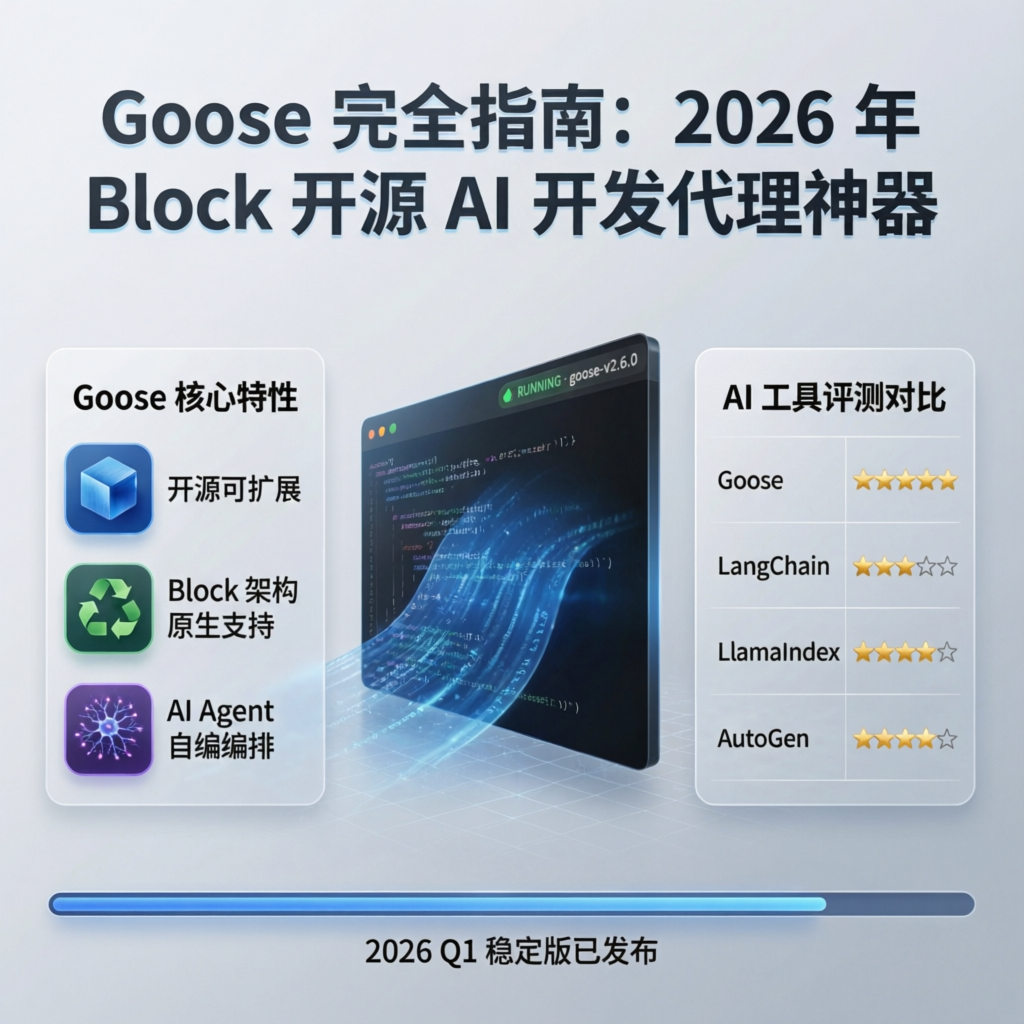
Release Date: March 2026 · Version: v1.0+ · License: Apache 2.0 · Execution Mode: Local
In early 2026, Block (formerly Square) officially open-sourced Goose—an AI agent capable of autonomously executing complex software development tasks. Unlike traditional code-completion tools, Goose does more than generate code: it independently runs commands, debugs errors, orchestrates multi-step workflows, and can even build complete projects from scratch.
Goose’s core philosophy is the “on-machine AI agent”: all operations execute locally, ensuring code privacy and security. It supports any LLM provider, enables configurable multi-model strategies to optimize performance and cost, and seamlessly integrates external tools and services via the MCP (Model Context Protocol).
Why Choose Goose?
Core Feature Comparison
| Feature | Goose | GitHub Copilot | Cursor | Devin |
|---|---|---|---|---|
| Open-source License | ✅ Apache 2.0 | ❌ Proprietary | ❌ Proprietary | ❌ Proprietary |
| Local Execution | ✅ Fully local | ❌ Cloud-only | ⚠️ Hybrid | ❌ Cloud-only |
| Autonomous Execution | ✅ Can run commands | ❌ Suggestions only | ⚠️ Limited | ✅ |
| Multi-Model Support | ✅ Any LLM | ❌ Fixed model | ⚠️ Limited | ❌ Fixed model |
| MCP Integration | ✅ Native support | ❌ | ❌ | ❌ |
| Workflow Orchestration | ✅ User-defined orchestration | ❌ | ⚠️ | ✅ |
| Pricing | ✅ Free | $10–$19/month | $20/month | $500/month |
Use Cases
✅ Recommended for:
- Automating repetitive development tasks
- Protecting code privacy with local execution requirements
- Needing flexibility to choose among various LLM providers
- Building complex, multi-step workflows
- Budget-constrained individual developers or teams
❌ Less suitable for:
- Simple code completion only
- Users unfamiliar with command-line operations
- Requirements for enterprise-grade SLA support
Quick Start
System Requirements
- Operating System: macOS 12+ / Windows 10+ / Linux (Ubuntu 20.04+)
- Memory: Minimum 8 GB; recommended 16 GB or more
- Storage: At least 2 GB of available space
- Python: Version 3.10 or higher
- Node.js: Version 18+ (optional, required for certain extensions)
Installation Methods
Method 1: Using pip (Recommended)
# Install Goose
pip install goose-ai

# Verify installation
goose --version
Method 2: Installing from Source
# Clone the repository
git clone https://github.com/block/goose.git
cd goose

# Install dependencies
pip install -e .

# Build the desktop application (optional)
npm install && npm run build
Method 3: Using Homebrew (macOS only)
brew install goose-ai
Initial Configuration
The first time you run Goose, you must configure an LLM provider:
# Launch the configuration wizard
goose configure

# Or manually edit the configuration file at ~/.config/goose/config.yaml
Example configuration file:
providers:
  - name: openai
    api_key: ${OPENAI_API_KEY}
    models:
      - gpt-4o
      - gpt-4-turbo

  - name: anthropic
    api_key: ${ANTHROPIC_API_KEY}
    models:
      - claude-3-5-sonnet
      - claude-3-opus

  - name: ollama
    base_url: http://localhost:11434
    models:
      - qwen3-coder:32b
      - llama3:70b

default_model: claude-3-5-sonnet
workspace: ~/projects
Core Feature Details
1. Autonomous Task Execution
Goose’s most powerful capability is autonomously completing multi-step tasks. For example, creating a complete API service:
# Tell Goose your requirements
goose run "Create a FastAPI project with user registration, login, and JWT authentication"
Goose will automatically:
1. Create the project structure and necessary files
2. Implement routes, data models, and authentication logic
3. Install required dependencies
4. Run tests to verify functionality
5. Generate API documentation
2. MCP Server Integration
Goose natively supports MCP (Model Context Protocol) and can connect to various external tools:
# Add MCP servers in the configuration file
mcp_servers:
  - name: filesystem
    command: npx
    args: ["-y", "@modelcontextprotocol/server-filesystem", "~/projects"]

  - name: github
    command: npx
    args: ["-y", "@modelcontextprotocol/server-github"]
    env:
      GITHUB_TOKEN: ${GITHUB_TOKEN}

  - name: postgres
    command: npx
    args: ["-y", "@modelcontextprotocol/server-postgres"]
    env:
      DATABASE_URL: postgresql://localhost:5432/mydb
Commonly Used MCP Servers:
| Server | Functionality | Installation Command |
|---|---|---|
filesystem |
File system operations | @modelcontextprotocol/server-filesystem |
github |
GitHub API integration | @modelcontextprotocol/server-github |
postgres |
PostgreSQL database access | @modelcontextprotocol/server-postgres |
slack |
Slack messaging | @modelcontextprotocol/server-slack |
puppeteer |
Browser automation | @modelcontextprotocol/server-puppeteer |
3. Multi-Model Strategy
Goose supports assigning different models to different task types—optimizing both cost and performance:
routing:
  # Use high-performance models for code generation
  code_generation:
    model: claude-3-5-sonnet
    max_tokens: 4096

  # Use local models for simple tasks
  simple_tasks:
    model: ollama/qwen3-coder:7b
    max_tokens: 2048

  # Use cost-efficient models for code review
  code_review:
    model: gpt-4o-mini
    max_tokens: 1024
4. Extension System
Goose supports custom extensions to add domain-specific capabilities:
# extensions/my_extension.py
from goose.extensions import Extension

class MyExtension(Extension):
    """Example of a custom extension"""

    def __init__(self):
        self.name = "my-extension"
        self.version = "1.0.0"

    async def deploy_to_server(self, project_path: str):
        """Custom deployment logic"""
        # Implement deployment logic here
        pass

    async def run_tests(self, project_path: str):
        """Custom test execution logic"""
        # Implement test logic here
        pass
Real-World Use Cases
Case 1: Automated Data Migration
# Create a migration task
goose run "
  Migrate user data from a MySQL database to PostgreSQL:
  1. Read the `users` table from MySQL
  2. Transform the data structure to conform to PostgreSQL schema requirements
  3. Write the transformed data into the PostgreSQL database
  4. Verify data integrity
  5. Generate a migration report
"
Case 2: Batch Code Refactoring
# Refactor error handling across the entire project
goose run "
  Refactor error handling in all Python files within the project:
  - Standardize `try-except` blocks to use custom exception classes
  - Add appropriate logging statements
  - Introduce retry logic for all API calls
  - Update test cases to cover the new exceptions
"
Case 3: API Documentation Generation
# Generate comprehensive API documentation from source code
goose run "
  Analyze the project’s API routes and generate:
  1. An OpenAPI 3.0 specification file
  2. Usage documentation in Markdown format
  3. A Postman collection file
  4. An interactive API testing page
"
Best Practices
1. Security Configuration
# Restrict Goose’s permission scope
security:
  # Whitelist of allowed commands
  allowed_commands:
    - git
    - npm
    - pip
    - python
    - docker

  # Directories prohibited from access
  blocked_paths:
    - ~/.ssh
    - /etc/passwd
    - /etc/shadow

  # Dangerous operations requiring confirmation
  require_confirmation:
    - rm -rf
    - DROP TABLE
    - DELETE FROM
2. Performance Optimization
# Optimization settings
performance:
  # Maximum number of concurrent tasks
  max_concurrent_tasks: 4

  # Timeout for individual tasks (in seconds)
  task_timeout: 300

  # Enable caching
  cache:
    enabled: true
    ttl_hours: 24

  # Enable streaming output (to reduce memory usage)
  streaming: true
3. Logging and Debugging
# Enable verbose logging
goose run "Task description" --verbose

# View execution history
goose history --limit 10

# Export session report
goose report --format markdown --output session-report.md
Frequently Asked Questions (FAQ)
Q1: What is the difference between Goose and Cursor?
A: Cursor is an IDE plugin that primarily provides code completion and chat capabilities; Goose is a standalone AI agent capable of autonomously executing commands and orchestrating workflows. The two tools can be used together: use Goose to handle automated tasks, and Cursor for interactive development.
Q2: Can I use local models?
A: Yes! Goose supports local inference backends such as Ollama and LM Studio. Example configuration:
providers:
  - name: ollama
    base_url: http://localhost:11434
    models:
      - qwen3-coder:32b
Q3: How are sensitive data protected?
A: Goose supports environment variables and encrypted configuration files:
# Using environment variables
export OPENAI_API_KEY="sk-..."
goose run "task"

# Or using an encrypted configuration file
goose config encrypt
Q4: Is Chinese supported?
A: Fully supported! For optimal results, use Chinese-optimized models such as Qwen3 Coder or DeepSeek Coder.
Community and Resources
- GitHub: https://github.com/block/goose
- Official Documentation: https://block.github.io/goose/
- Discord Community: https://discord.gg/goose-oss
- MCP Server List: https://github.com/modelcontextprotocol/servers
Summary
Goose represents a new direction for AI development tools in 2026: evolving from “assisted coding” to “autonomous development.” By enabling local execution, supporting multiple models, and integrating with the MCP ecosystem, Goose delivers a powerful, flexible, and privacy-preserving AI agent platform for developers.
For teams seeking to automate complex development tasks, safeguard code privacy, or build custom AI workflows, Goose is a tool well worth investing in. As the MCP ecosystem matures and the community expands, Goose’s capabilities will continue to grow.
Related Resources: